The State of Local AI Image Generation
Three of the four open image models I ran on my RTX 5090 made nine usable images out of ten. Nano Banana Pro and GPT Image 2.5 made ten. Z-Image Turbo, the fastest local model, took 2.6 seconds an image, about a tenth of the cloud time, and is the only one of the four licensed for commercial use. The newest, Qwen-Image-2.1, released the day before I ran this, came last with six. Side by side, though, I preferred a cloud image for nine of the ten prompts.
I care about running AI locally because of who ends up holding the data. A few companies with trillion-dollar valuations now sit between most people and AI, and every prompt and file we send them hands over a little more control. Running models on my own hardware keeps the data where it is and the tools in my hands. It matters in consulting too: in law and medicine, client data often cannot go to a cloud service at all. Data protection and zero-retention agreements exist, but a model on your own hardware is still the safest option. So the question was whether a model on one consumer GPU can do the image jobs I would otherwise pay a cloud model for.
The test
Ten everyday prompts:
| # | Job | Prompt |
|---|---|---|
| 1 | Product shot | Studio photo of a matte black ceramic coffee mug on a pale oak table, soft window light from the left, steam rising |
| 2 | Portrait | Candid photo of a woman in her 60s laughing at a market stall in Marrakech, late afternoon light, 85mm |
| 3 | Poster with text | Minimalist concert poster, title “NORTHERN LIGHTS” at the top, “Roundhouse, London, 14 November” at the bottom, abstract green aurora |
| 4 | Blog cover | Editorial illustration of a glowing graphics card on a desk surrounded by floating photos, flat vector style, muted palette |
| 5 | Diagram | Clean infographic of making espresso in four labelled steps (Grind, Tamp, Brew, Pour) with icons and arrows |
| 6 | Counting and layout | Top-down photo of three red apples and two green pears on a blue plate, a silver fork to the left of the plate |
| 7 | Hands | Close-up photo of two hands playing a chord on a piano |
| 8 | App mockup | Mobile banking app home screen showing a balance of £2,450.18 and a list of recent transactions, clean iOS style |
| 9 | Logo | Flat vector logo for a bakery called “Crumb & Co” with a simple wheat icon on a white background |
| 10 | Art style | Watercolour of a narrow London street in the rain at dusk, a red double-decker bus, reflections on wet cobbles |
Six models, one image per prompt at 1024 x 1024, each at its maker’s recommended settings:
| Model | Where it ran | Settings |
|---|---|---|
| Qwen-Image-2.1 | RTX 5090, diffusers | bf16, 40 steps, no guidance |
| Ideogram 4.0 | RTX 5090, Ideogram’s own code | fp8 weights, default V4_QUALITY_48 preset |
| FLUX.2 [dev] | RTX 5090, ComfyUI | fp8 and 4-bit NVFP4, 50 steps, guidance 4 |
| Z-Image Turbo | RTX 5090, ComfyUI | bf16, 8 steps, no guidance |
| Nano Banana Pro | Google, through OpenRouter | defaults, 1:1 |
| GPT Image 2.5 Sunburst | OpenAI API | quality high |
Ideogram 4.0 leads the Artificial Analysis open-weights leaderboard, FLUX.2 [dev] is the usual reference open model and Z-Image Turbo is the fast one. GPT Image 2.5’s default quality, “auto”, picked a low tier for my first test image (196 image tokens against 1,756 at “high”), so I set it to high. The local models used seed 42 on an RTX 5090 with 32GB, an Intel Core i9-13900K and 93GB of RAM, running Ubuntu 24.04, PyTorch 2.14.0 and CUDA 13.0.
I scored the images blind, one at a time and shuffled within each prompt, on one question: would I actually use this for the job? I was not trying to spot which images were AI-generated. They all are, and using AI for images is normal now. What matters is whether an image gets its point across or is obvious slop; if it does the job, the AI is just the tool that made it.
Results
| Model | Usable | Seconds | Cost |
|---|---|---|---|
| Nano Banana Pro (cloud) | 10/10 | 24.8 | $0.138 |
| GPT Image 2.5 Sunburst (cloud) | 10/10 | 34.1 | $0.053 |
| Z-Image Turbo | 9/10 | 2.6 | $0 |
| FLUX.2 [dev] 4-bit | 9/10 | 25.9 | $0 |
| FLUX.2 [dev] 8-bit | 9/10 | 45.9 | $0 |
| Ideogram 4.0 | 9/10 | 60.5 + rewrite | $0.075 |
| Qwen-Image-2.1 | 6/10 | 15.4 | $0 |
Seconds is the median per image once the model was loaded; for the cloud models it runs from request to image, from London. Cost is per image; Ideogram’s is the Opus rewrite. Z-Image Turbo is the only local model licensed for commercial use; FLUX.2 [dev], Ideogram 4.0 and Qwen-Image-2.1 are non-commercial. The licences do not affect me, since I am not using these images commercially, but open weights under a non-commercial licence do not count as open to me.
Every image, prompt by prompt. Select any image to see it full size.
01. Product shot

usable

usable
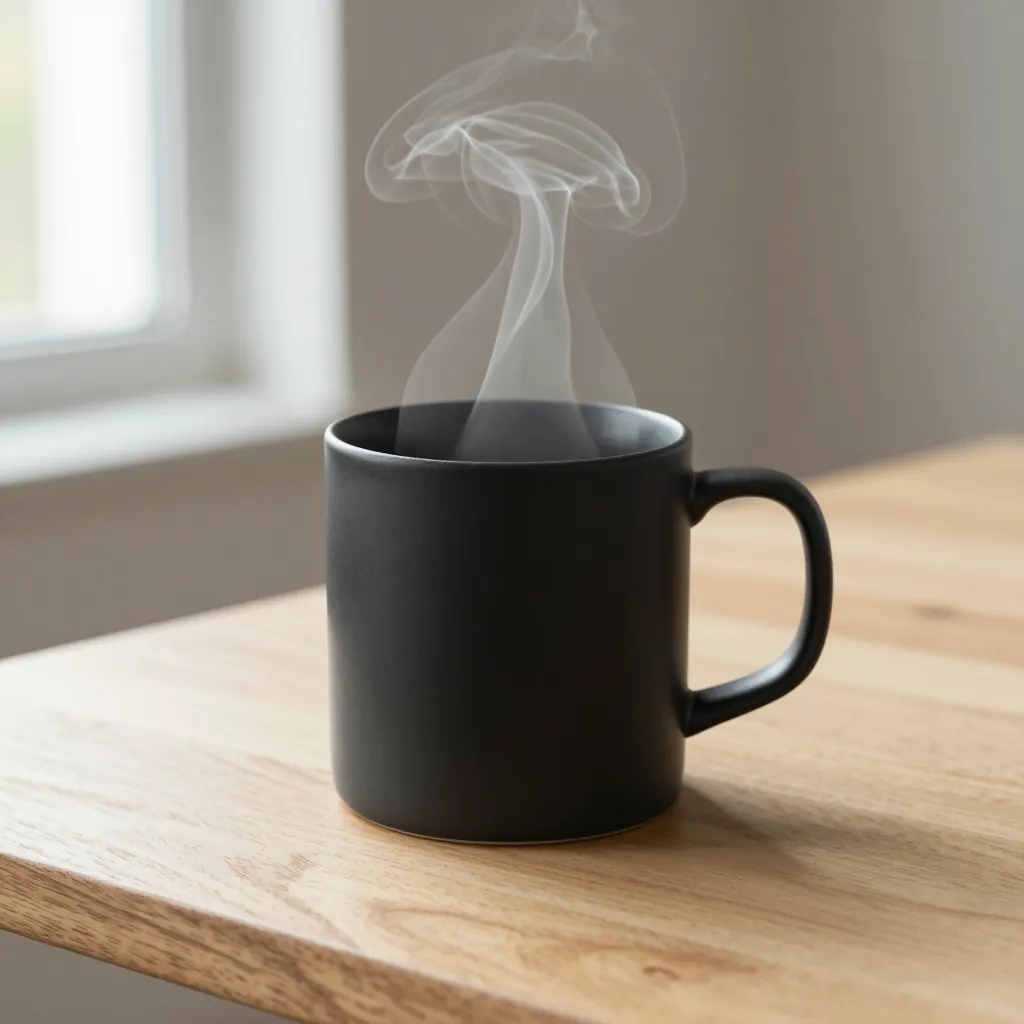
usable
![FLUX.2 [dev] 4-bit image for the product shot prompt](/images/blog/local-image-gen/01-flux2-4bit.webp)
usable

usable

usable
02. Portrait

usable

usable

usable
![FLUX.2 [dev] 4-bit image for the portrait prompt](/images/blog/local-image-gen/02-flux2-4bit.webp)
usable

usable
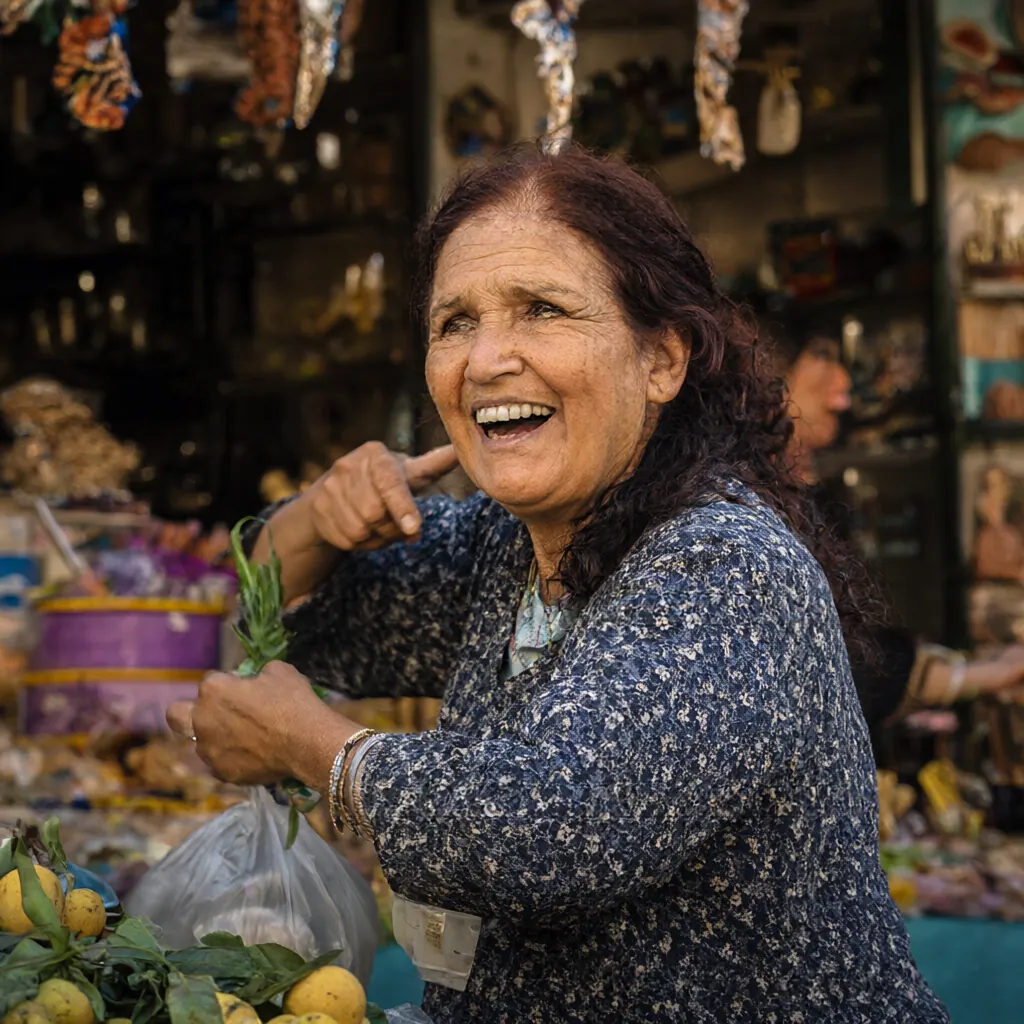
not usable
03. Poster with text
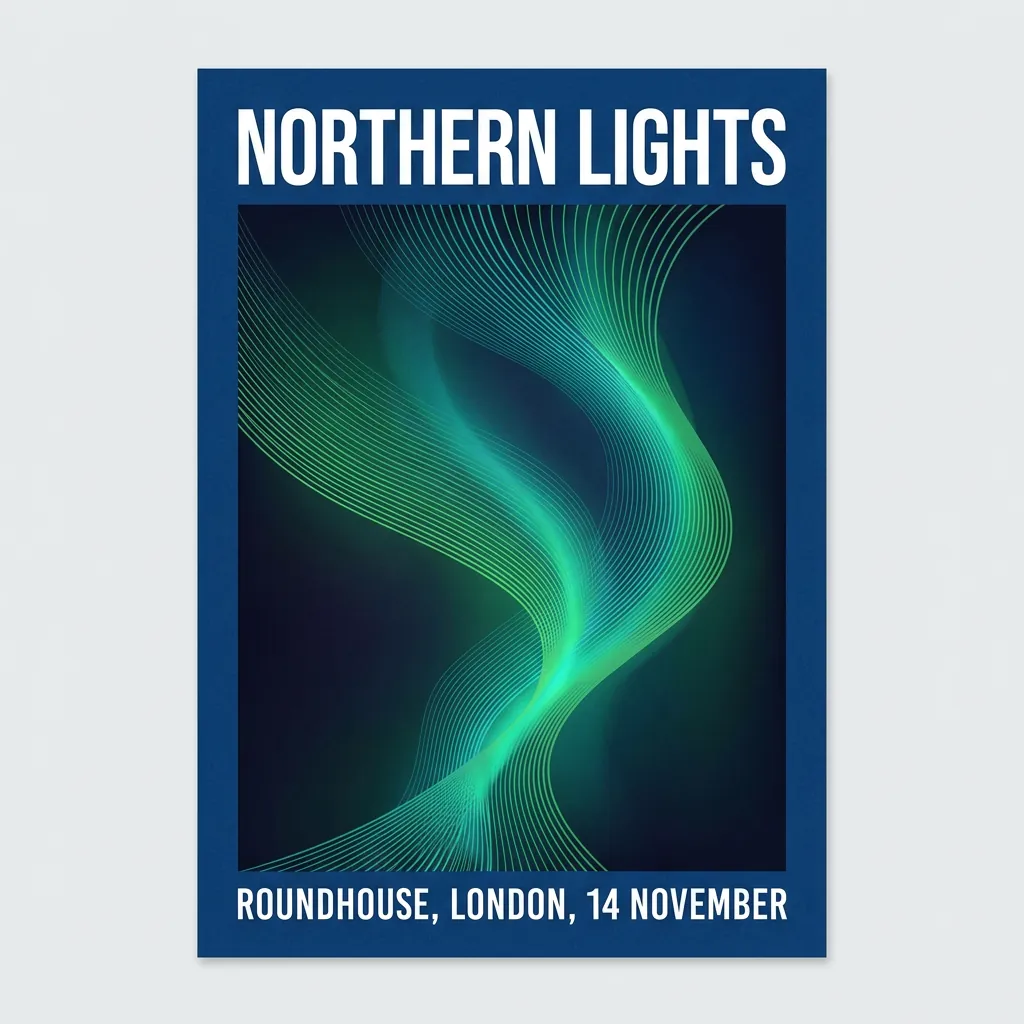
usable
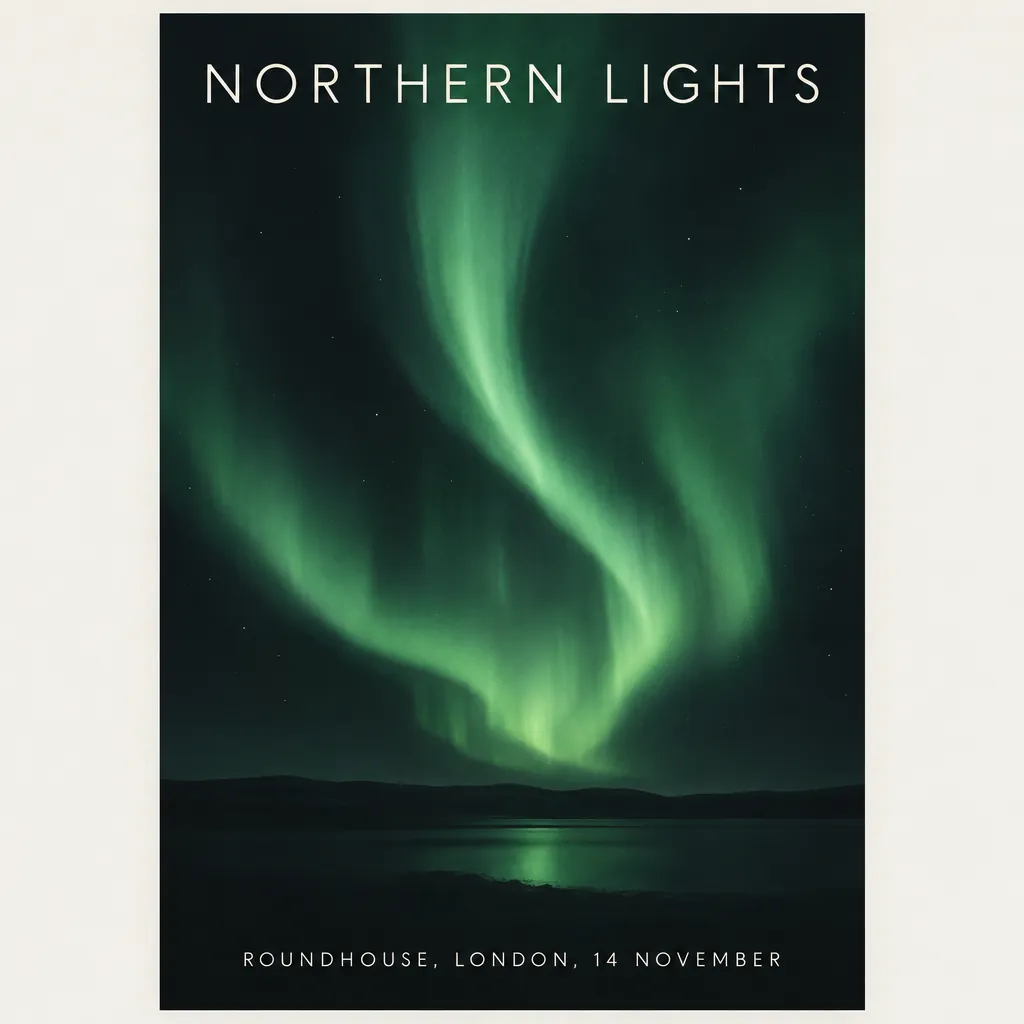
usable
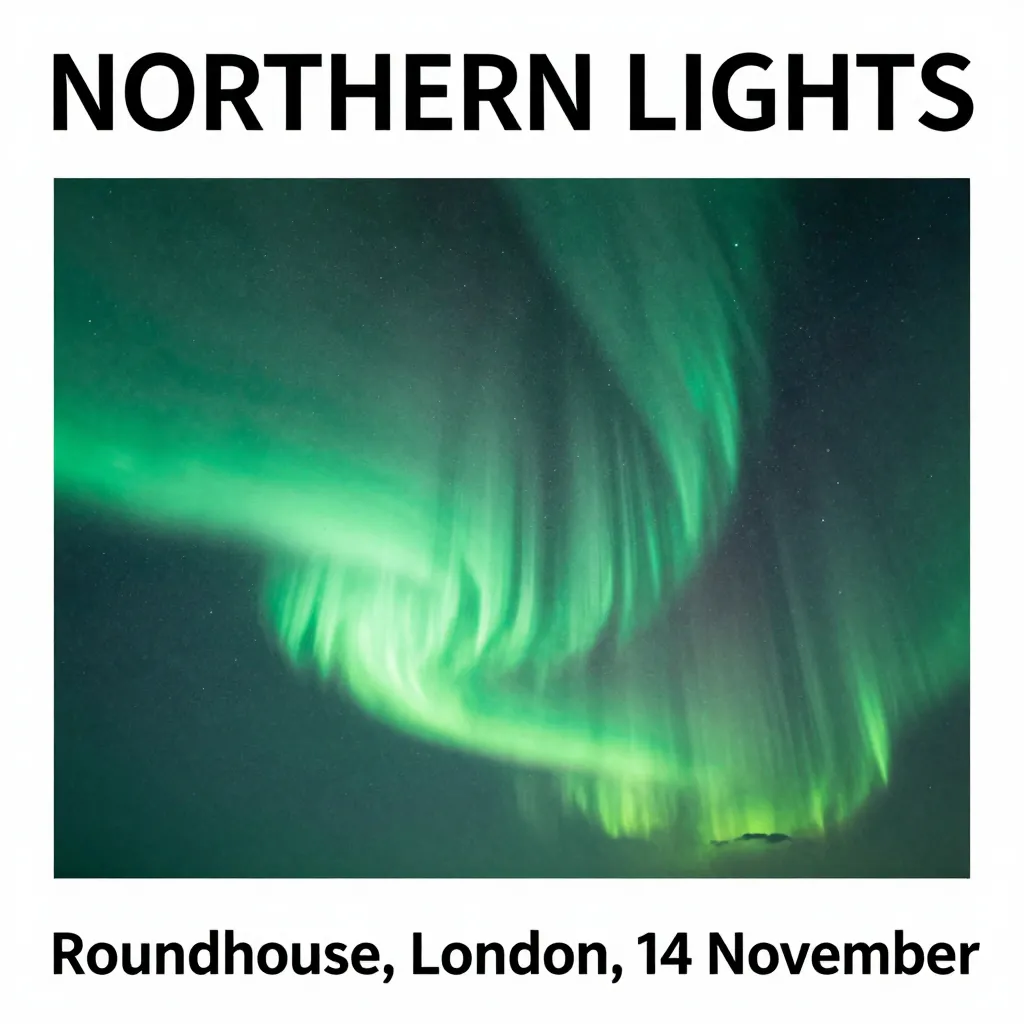
usable
![FLUX.2 [dev] 4-bit image for the poster with text prompt](/images/blog/local-image-gen/03-flux2-4bit.webp)
usable

usable
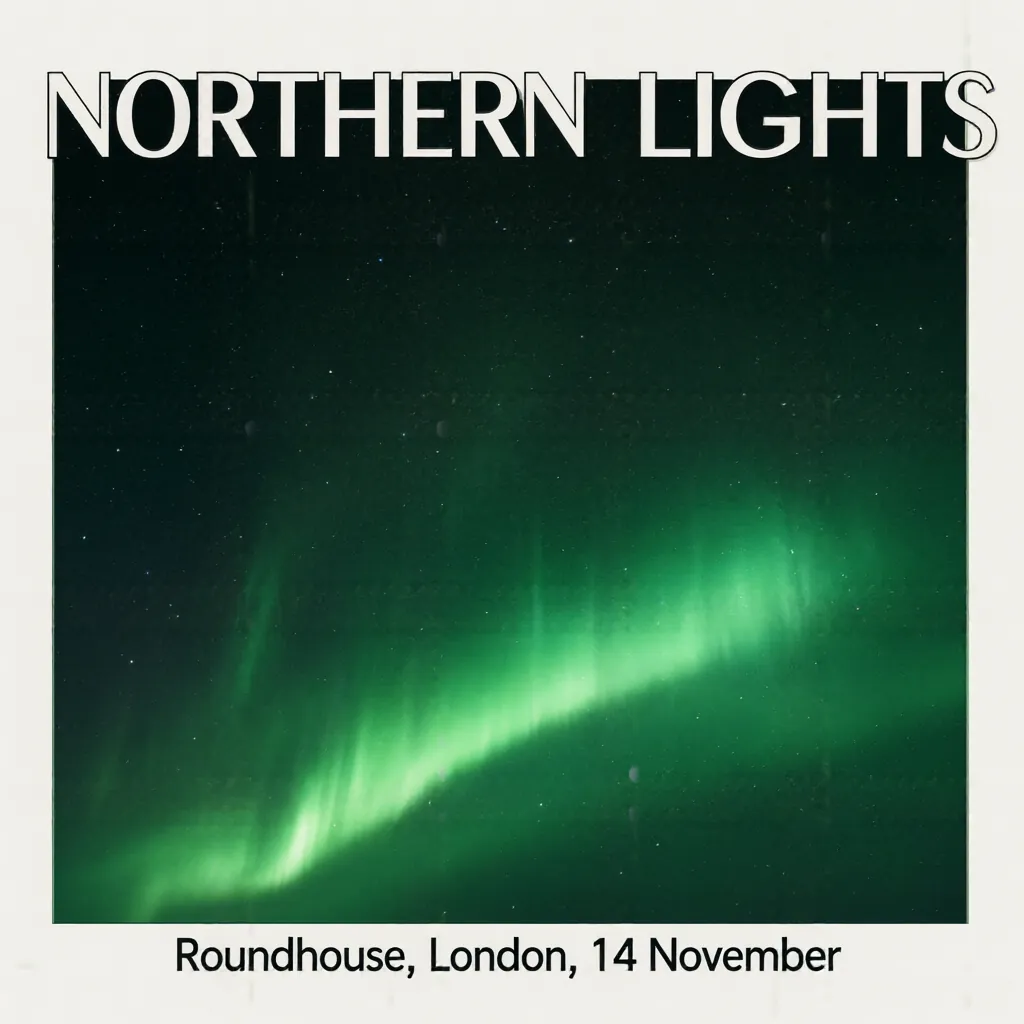
usable
04. Blog cover

usable
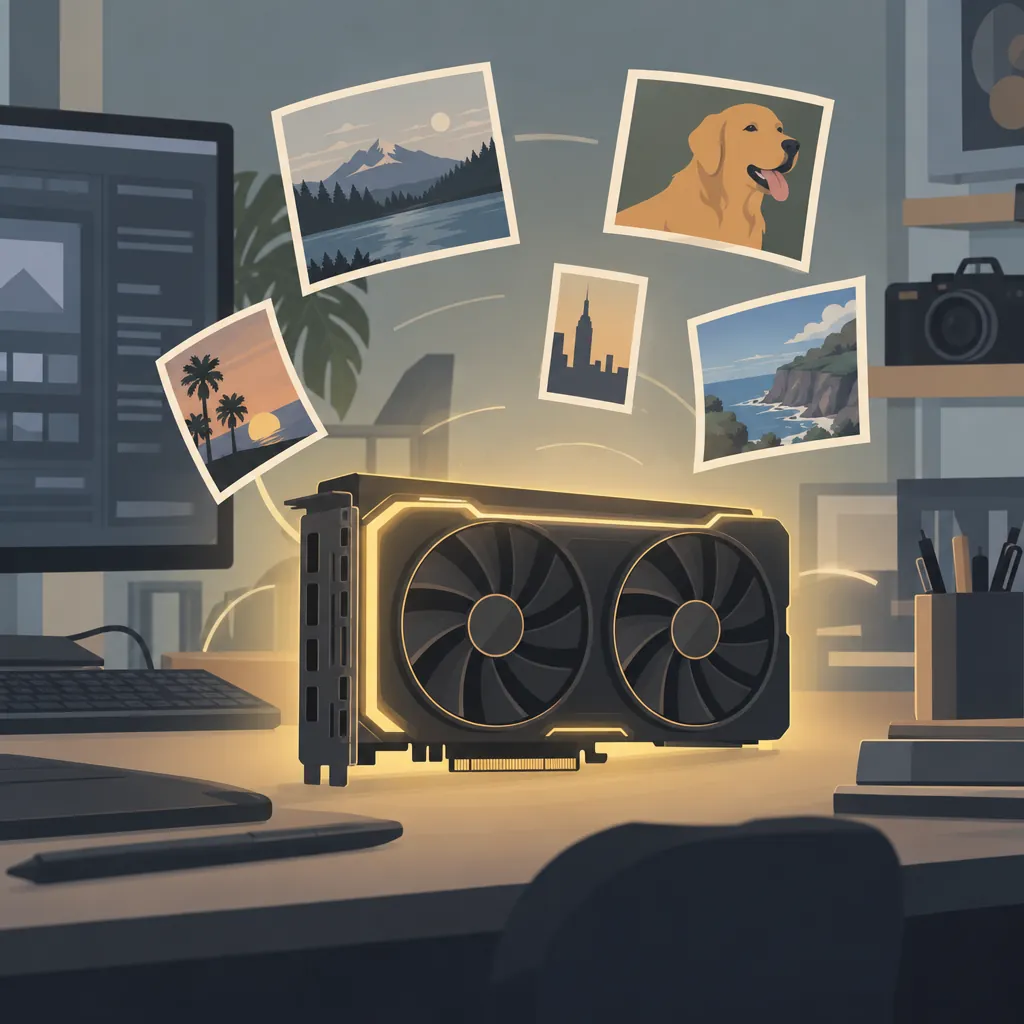
usable
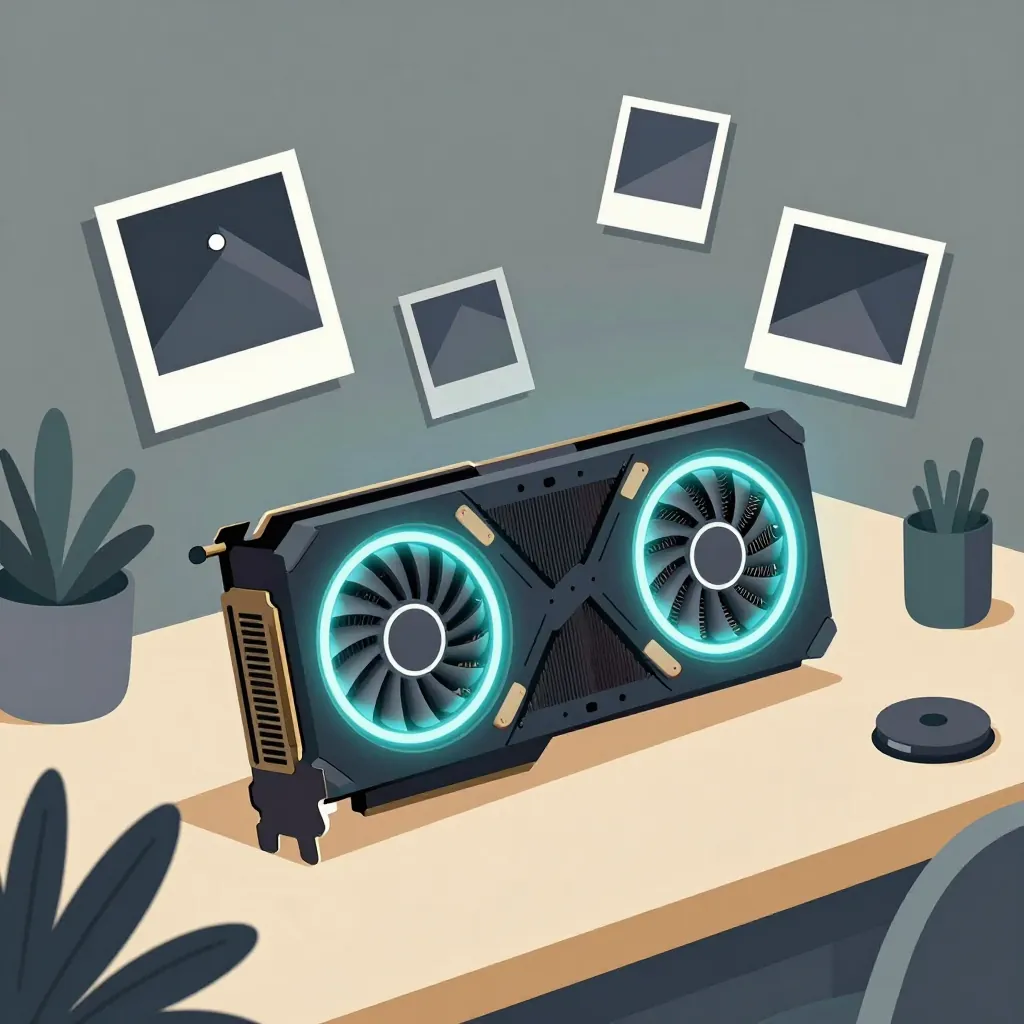
usable
![FLUX.2 [dev] 4-bit image for the blog cover prompt](/images/blog/local-image-gen/04-flux2-4bit.webp)
usable
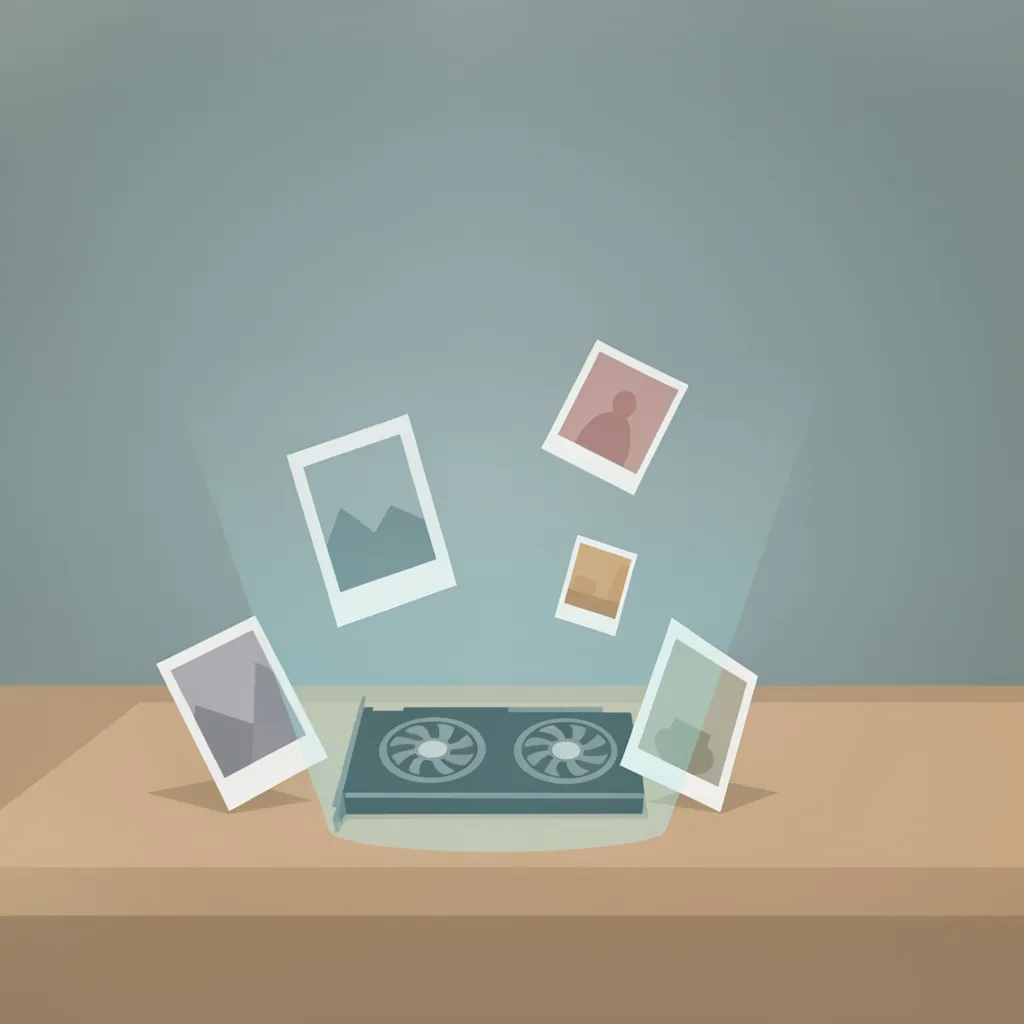
usable

not usable
05. Diagram
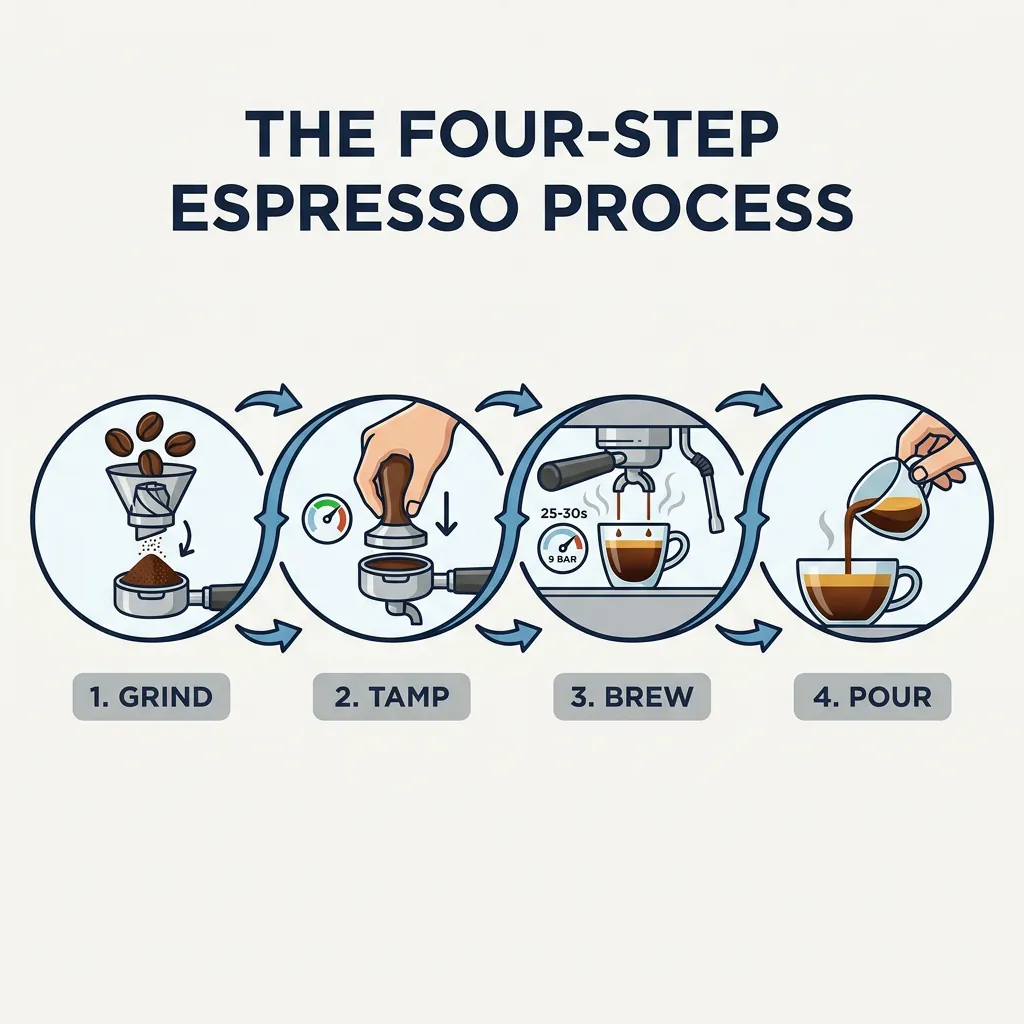
usable
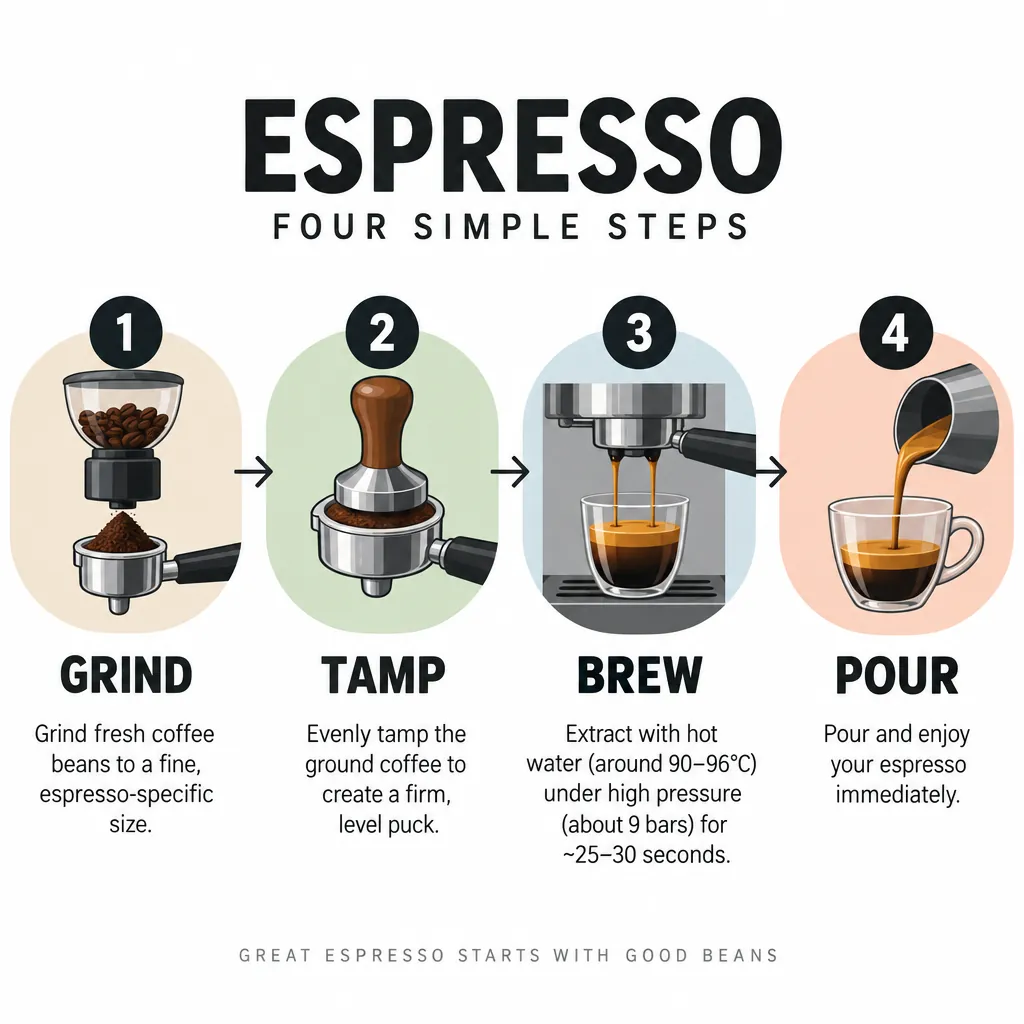
usable
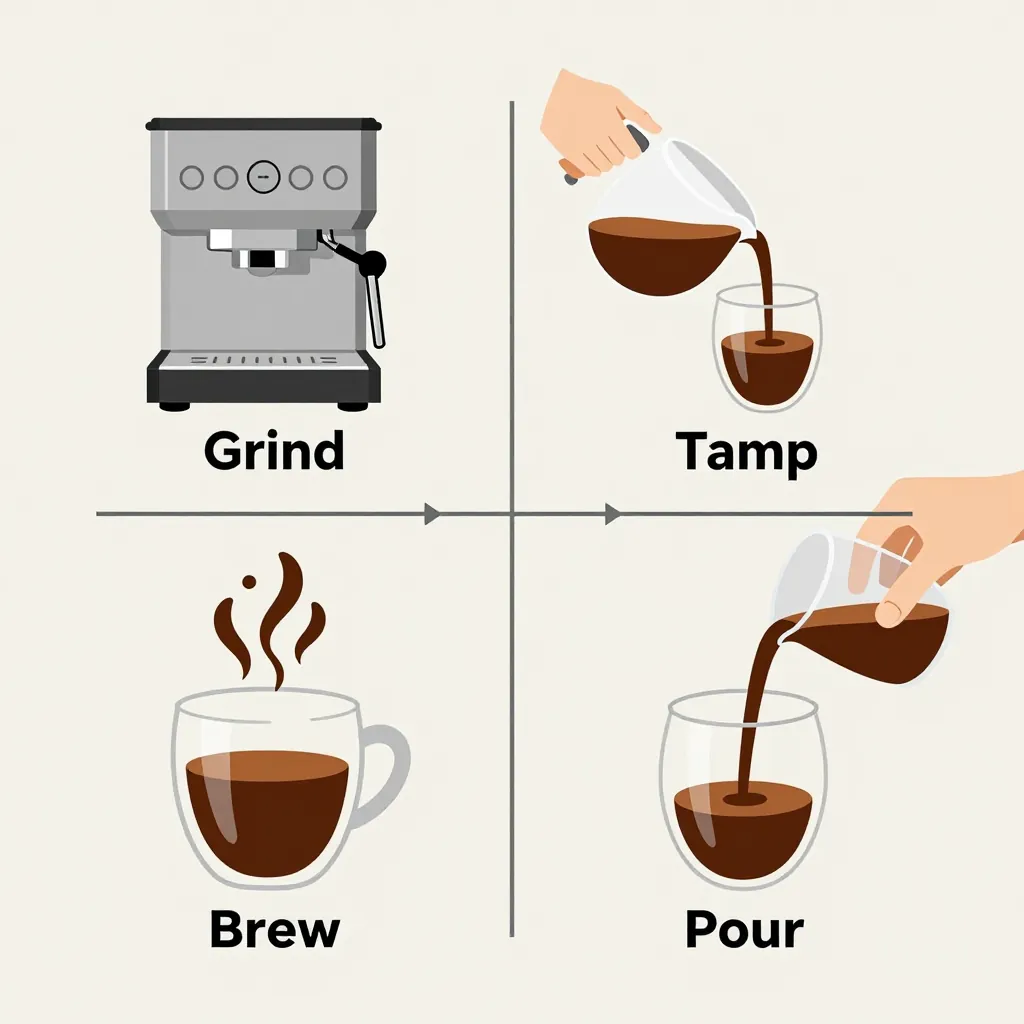
usable
![FLUX.2 [dev] 4-bit image for the diagram prompt](/images/blog/local-image-gen/05-flux2-4bit.webp)
usable
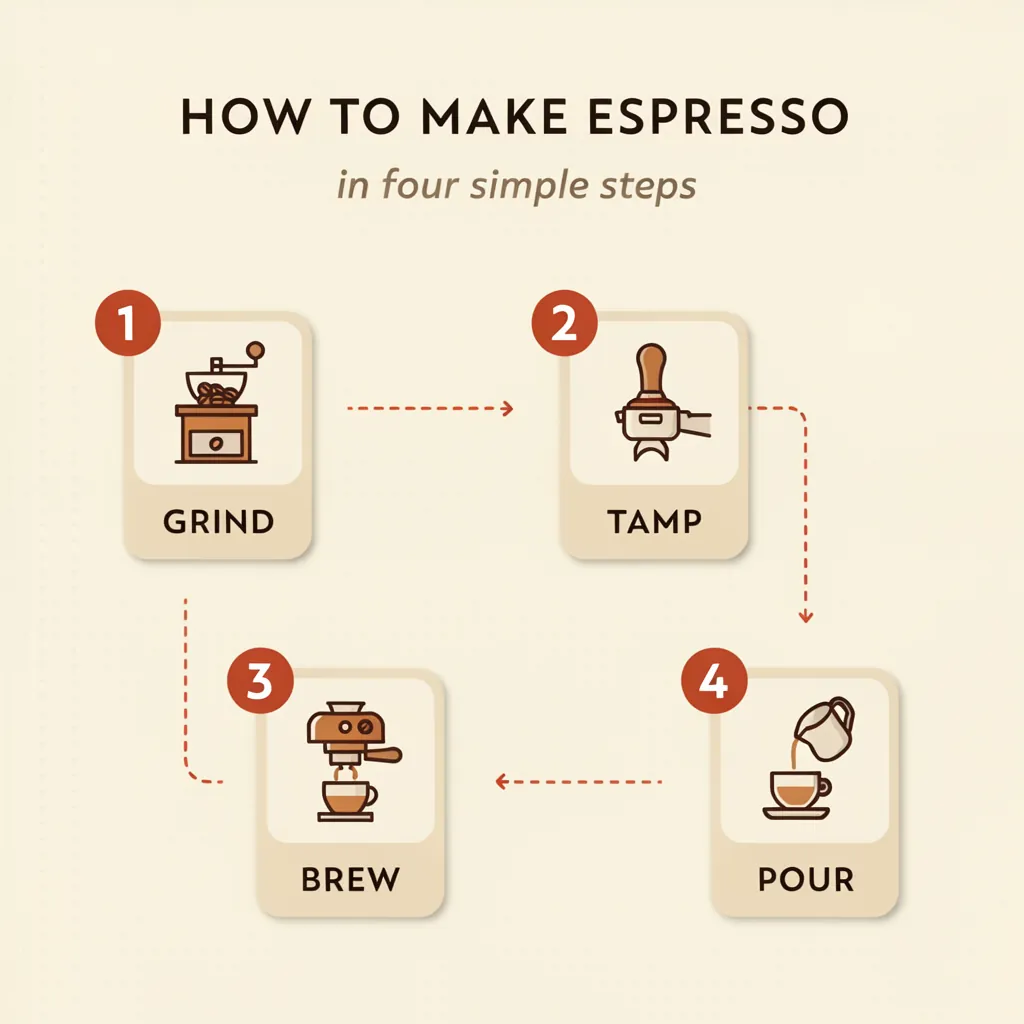
usable
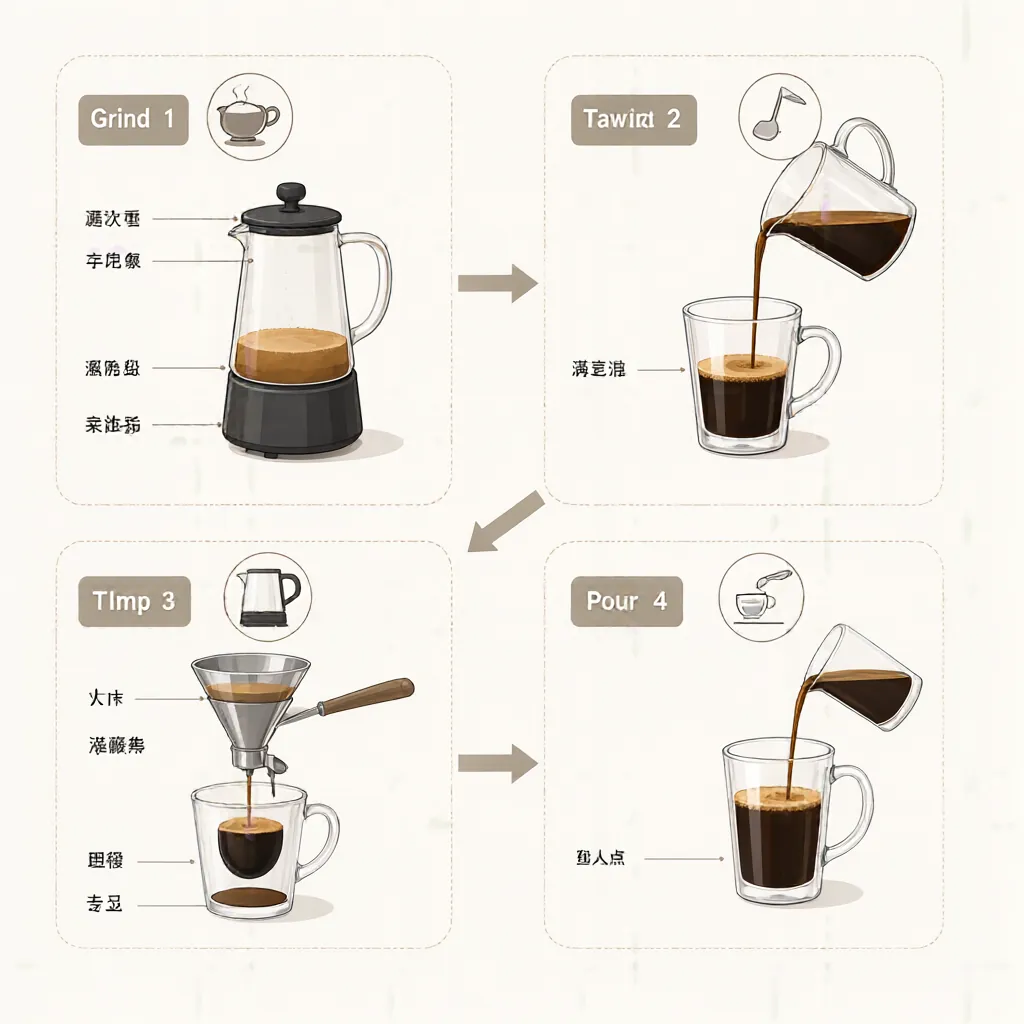
usable
06. Counting and layout
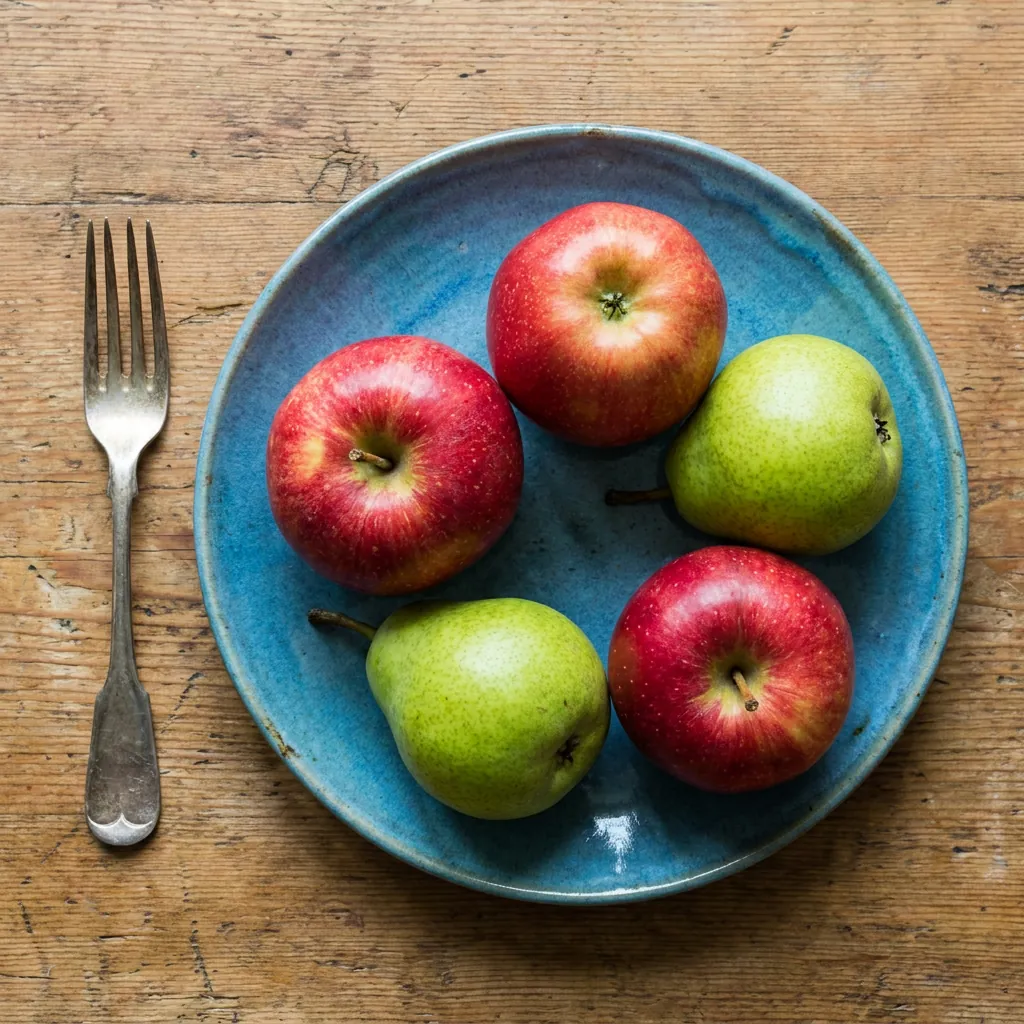
usable
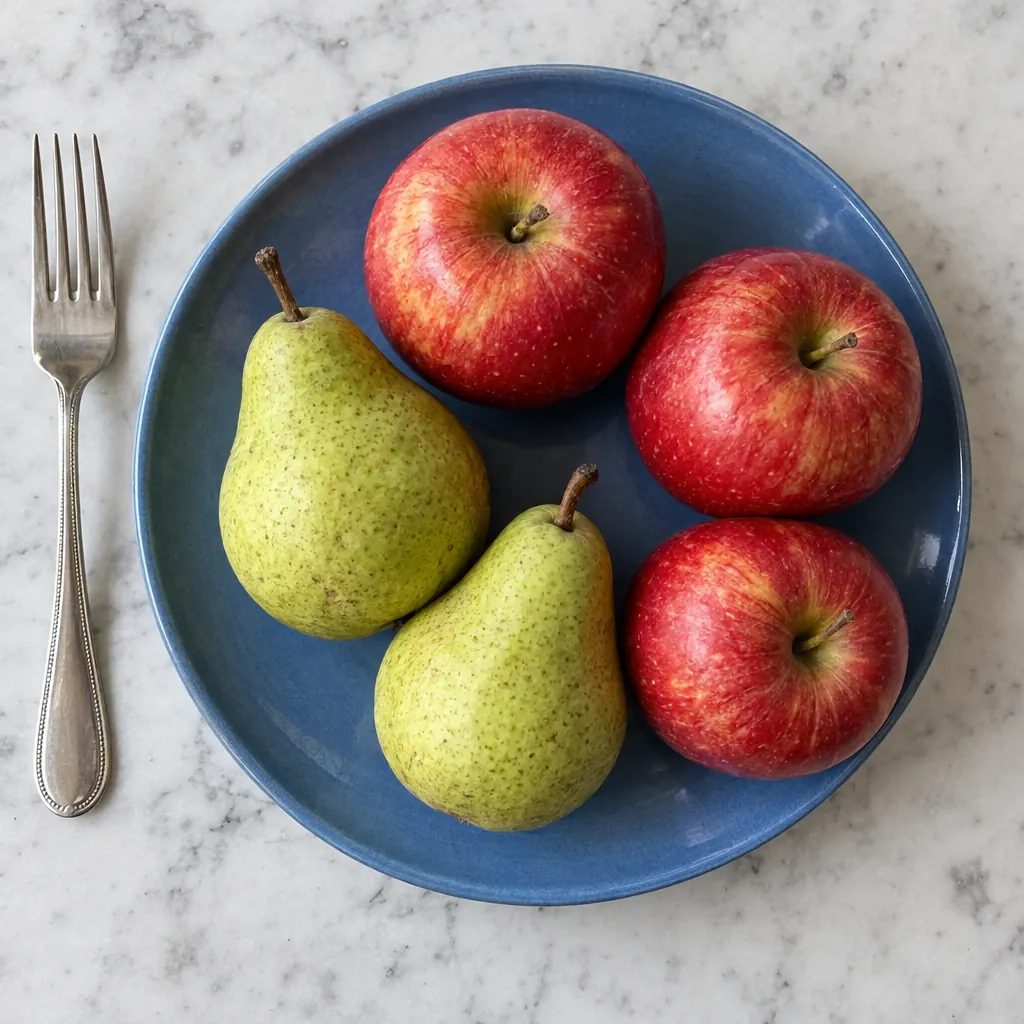
usable
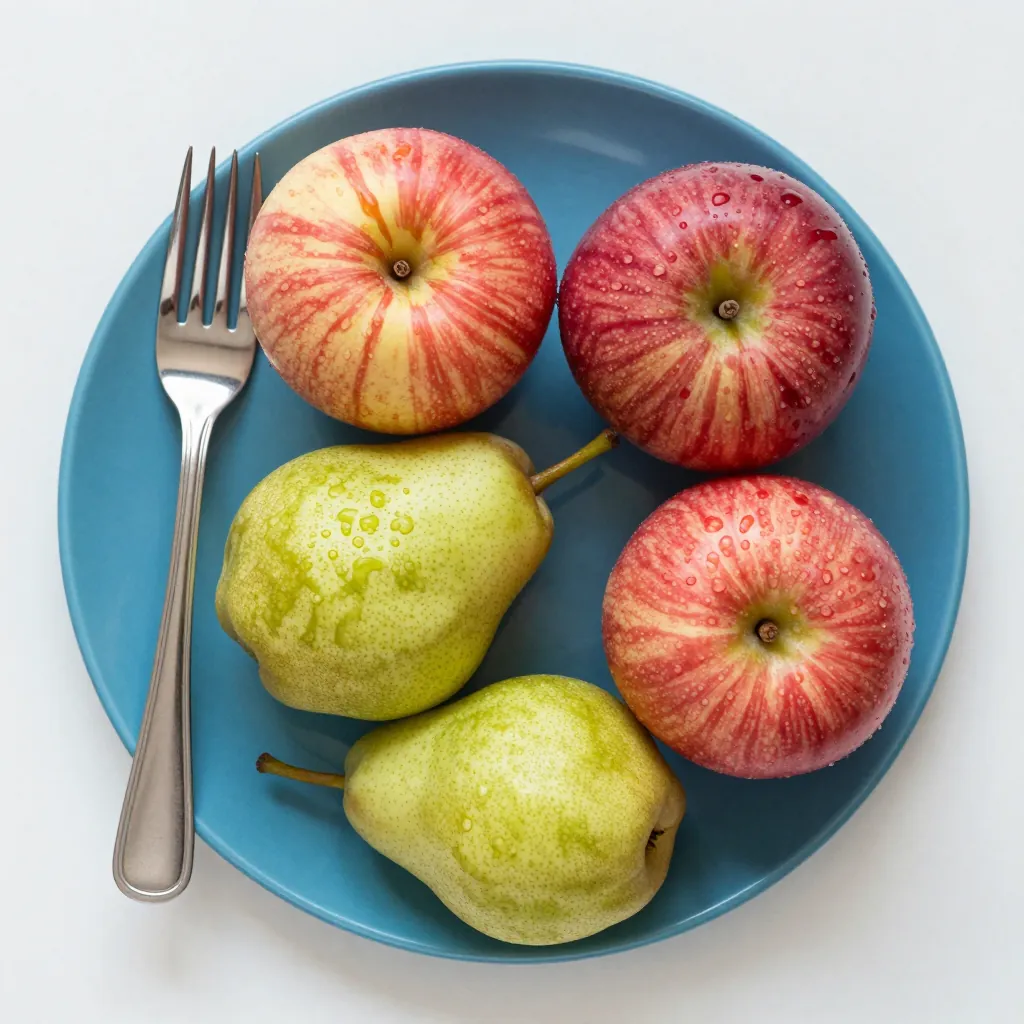
usable
![FLUX.2 [dev] 4-bit image for the counting and layout prompt](/images/blog/local-image-gen/06-flux2-4bit.webp)
usable
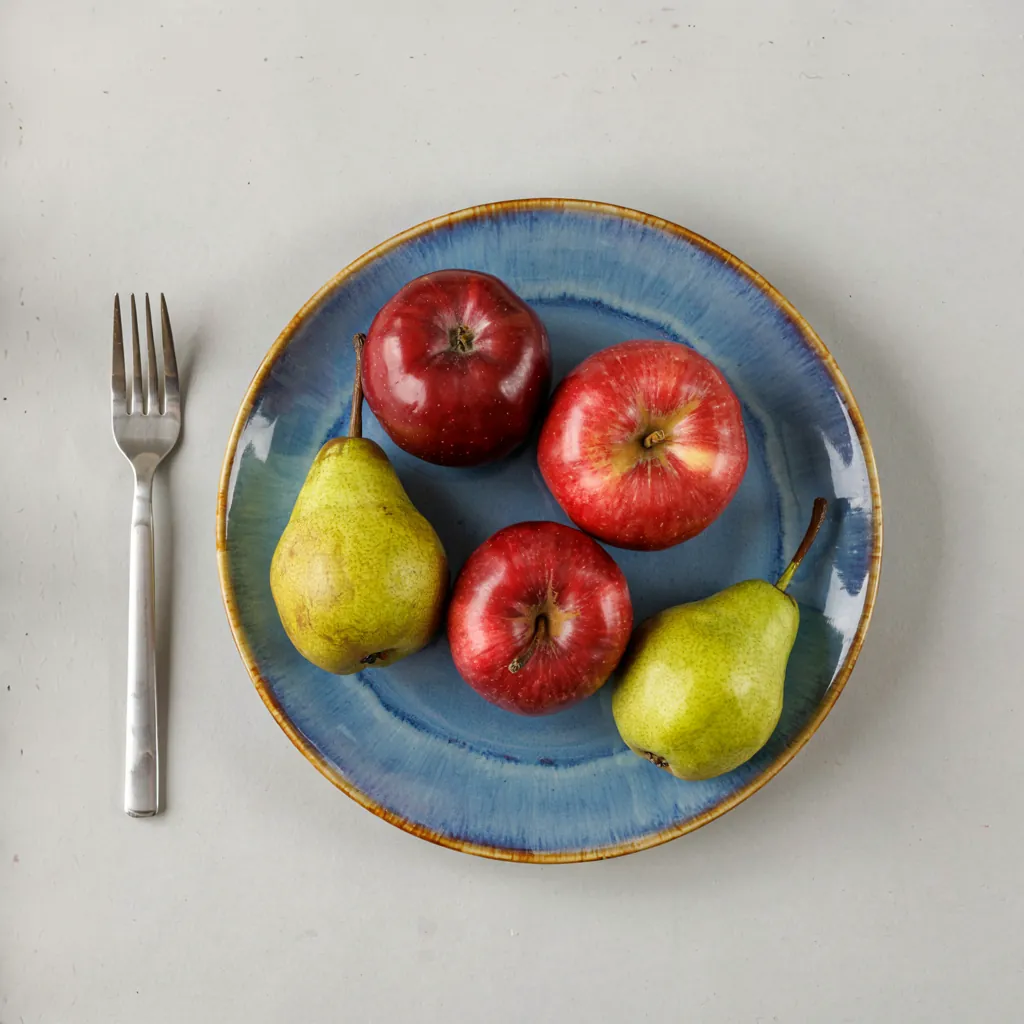
usable
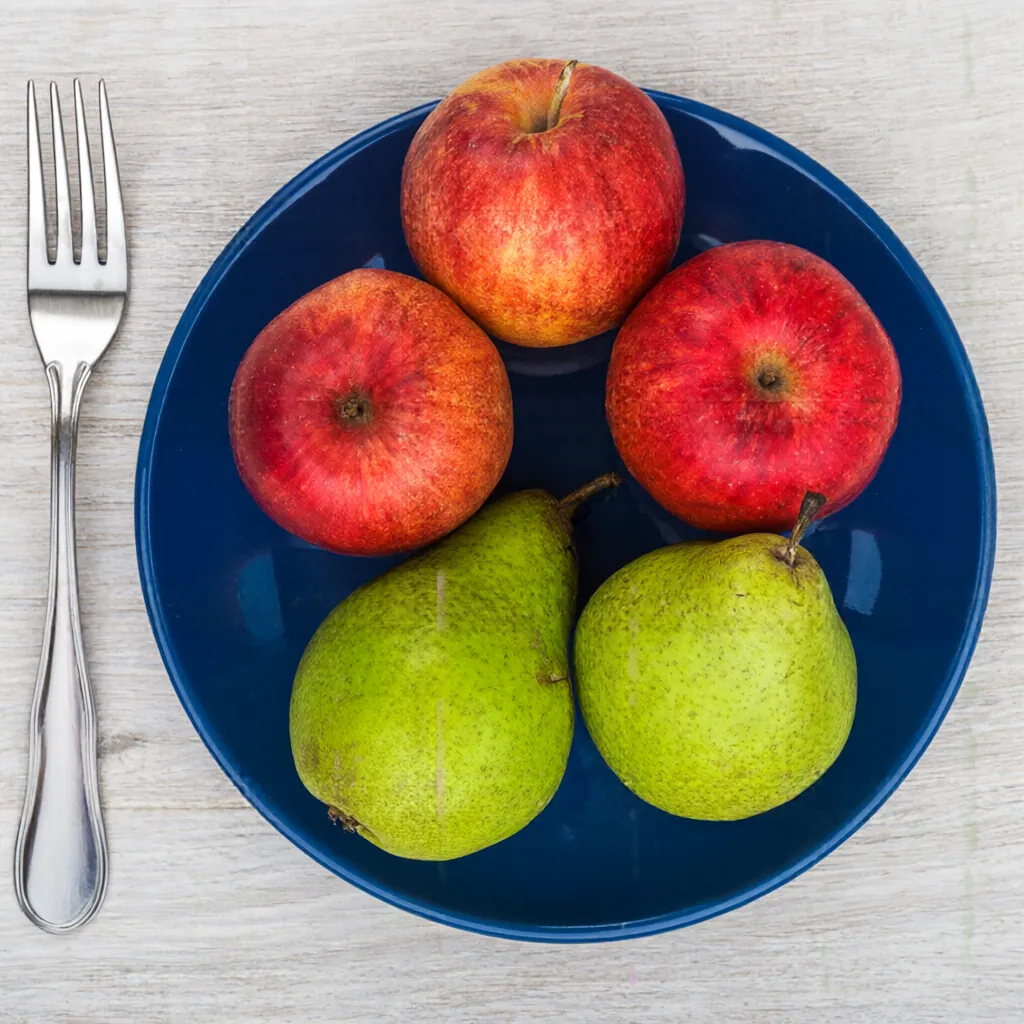
usable
07. Hands
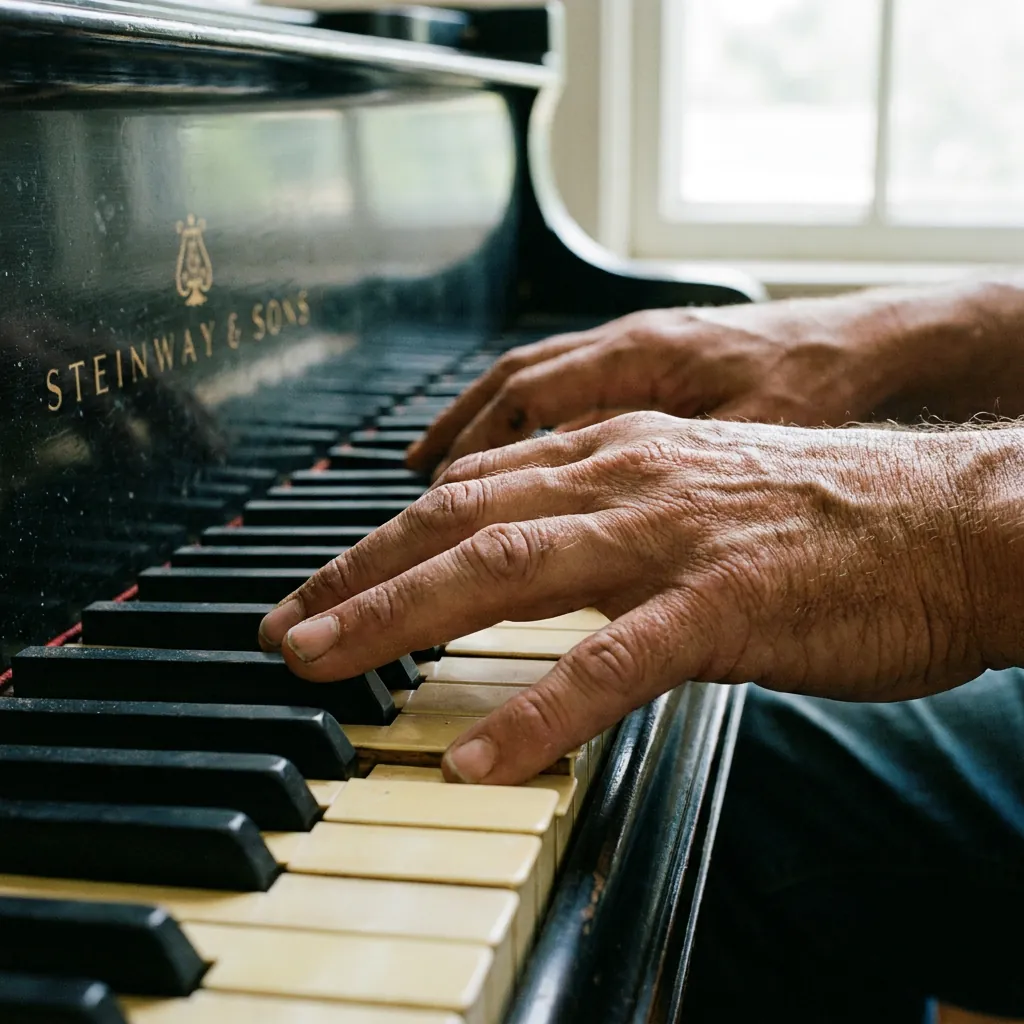
usable
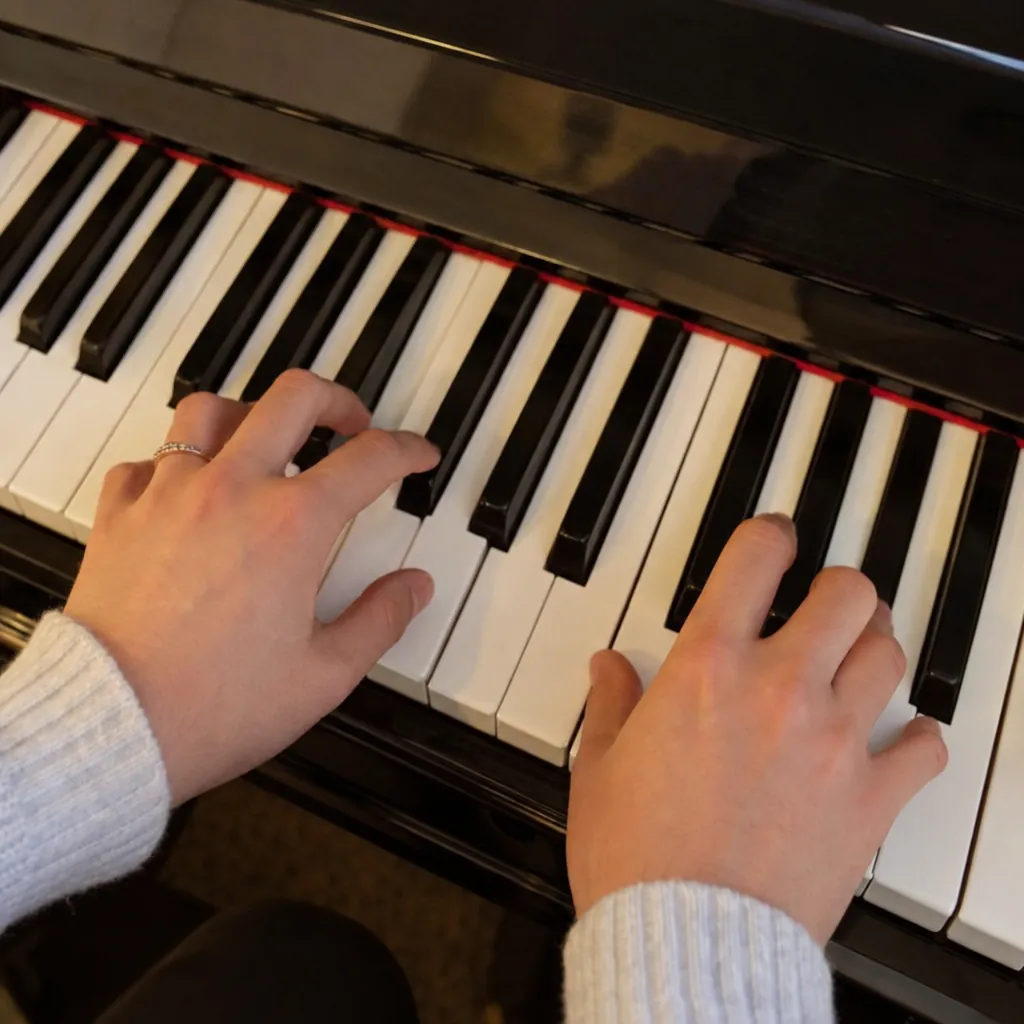
usable
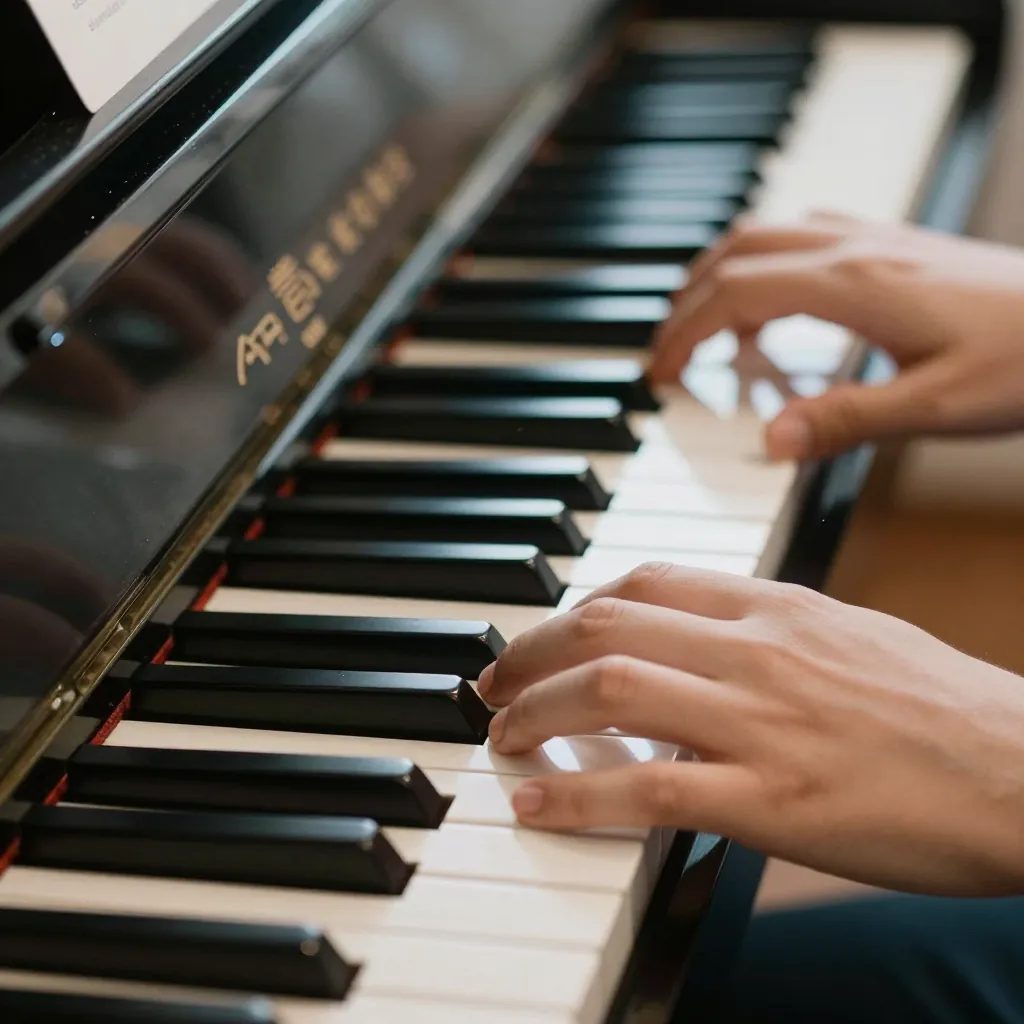
usable
![FLUX.2 [dev] 4-bit image for the hands prompt](/images/blog/local-image-gen/07-flux2-4bit.webp)
usable
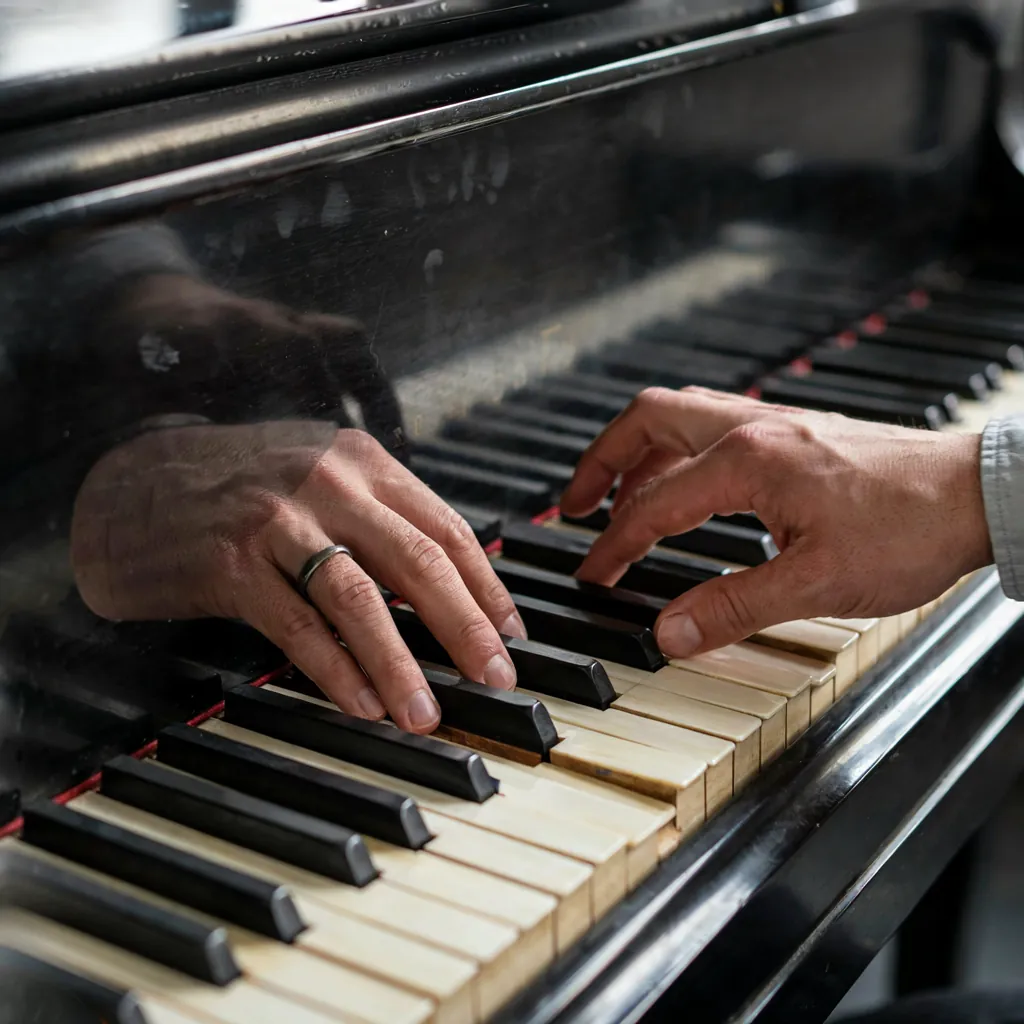
not usable
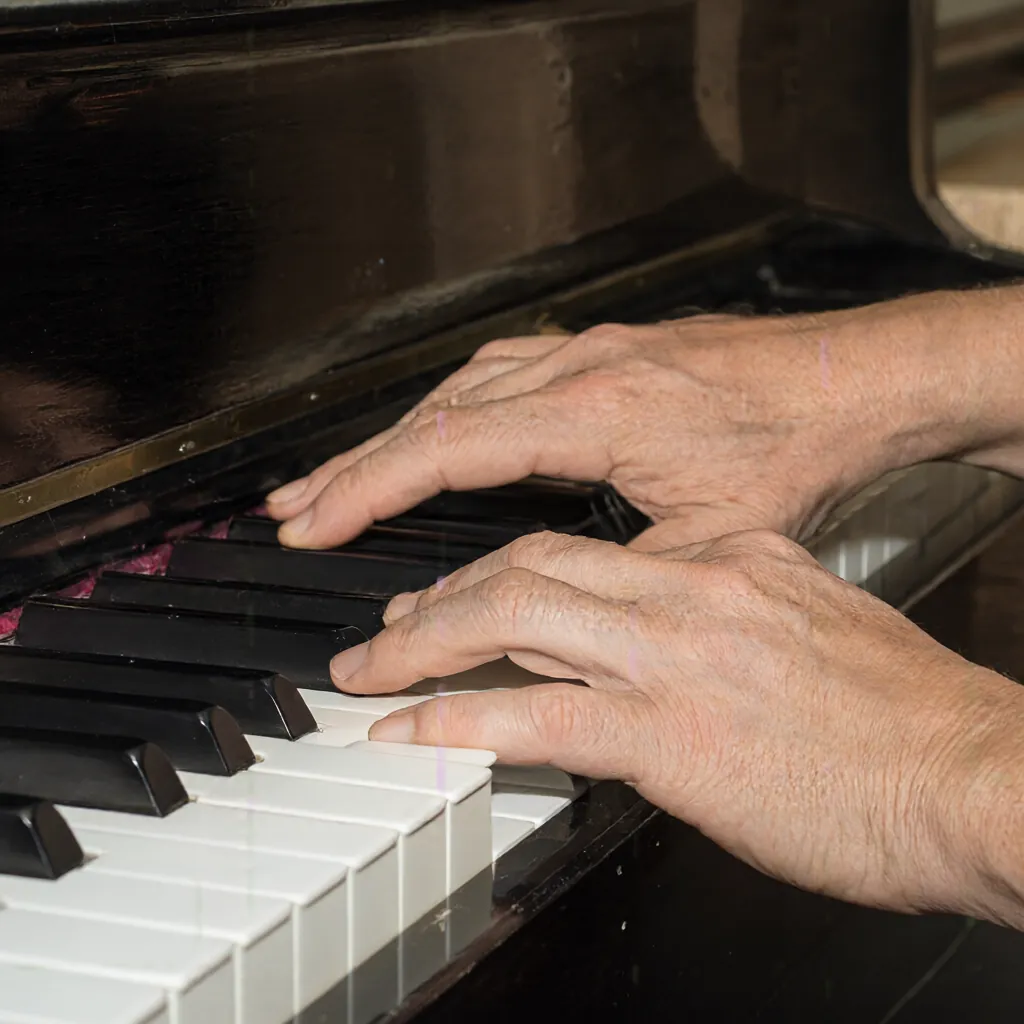
usable
08. App mockup
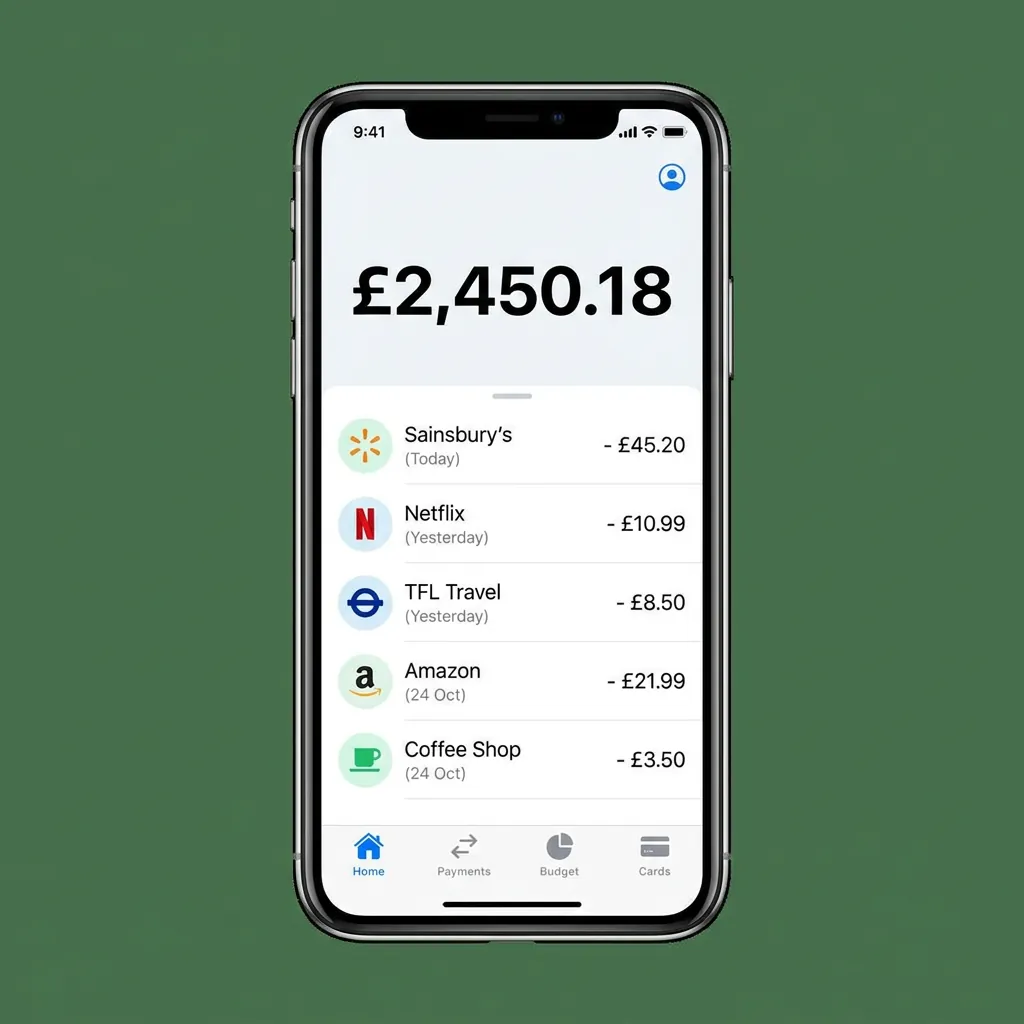
usable
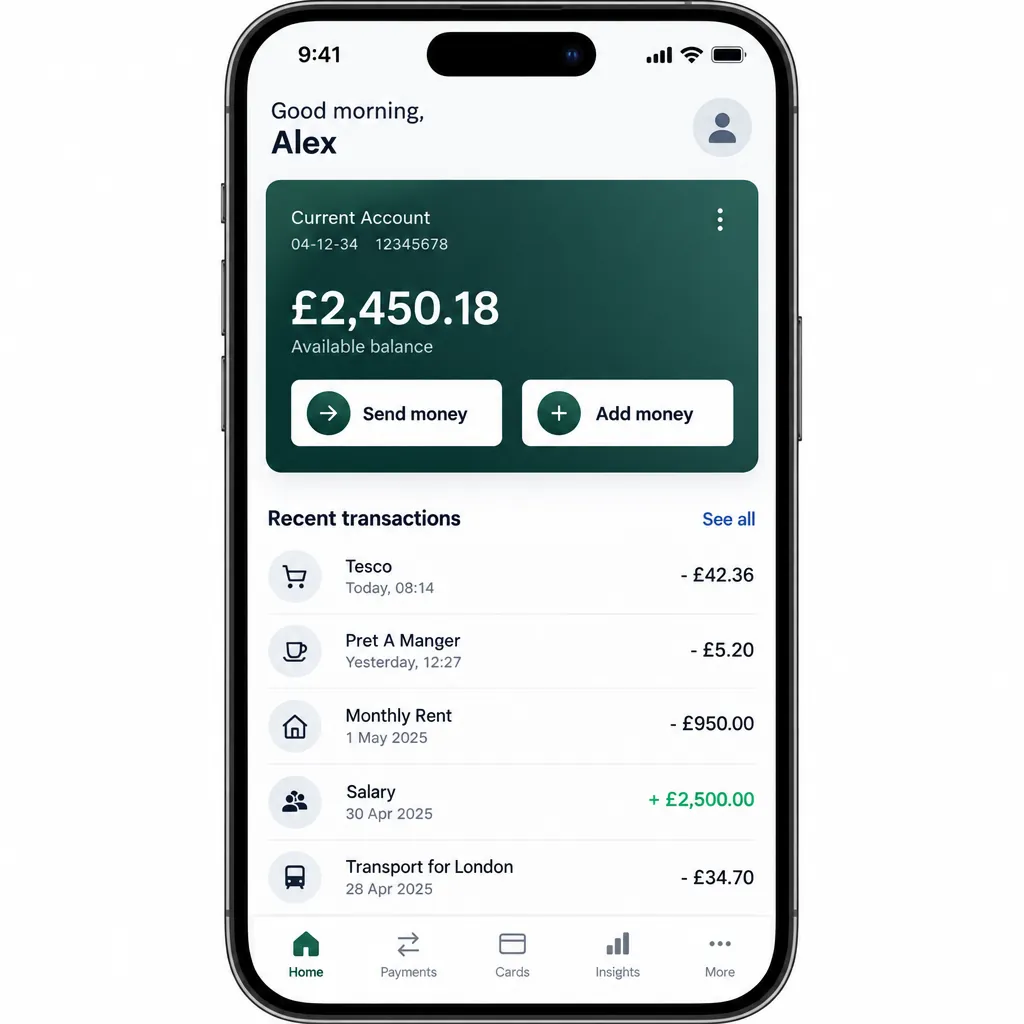
usable
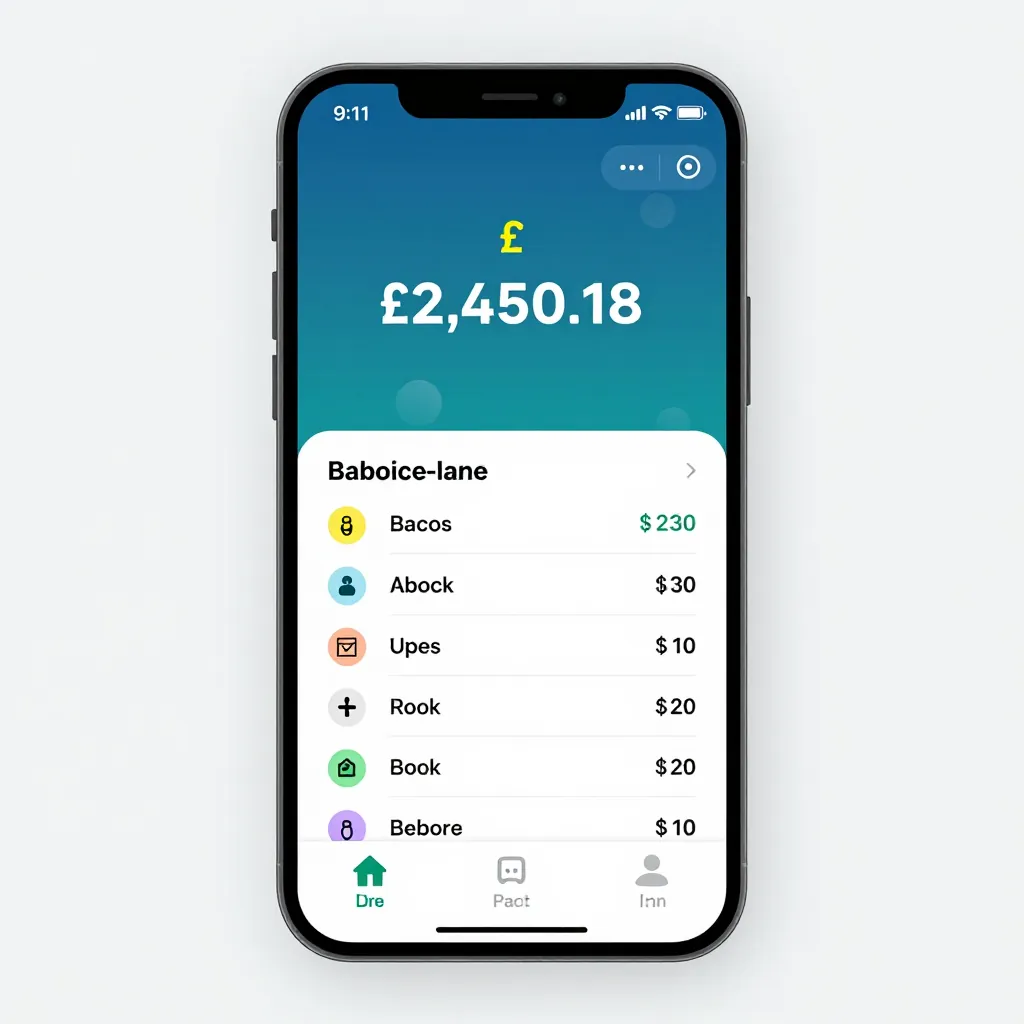
usable
![FLUX.2 [dev] 4-bit image for the app mockup prompt](/images/blog/local-image-gen/08-flux2-4bit.webp)
not usable
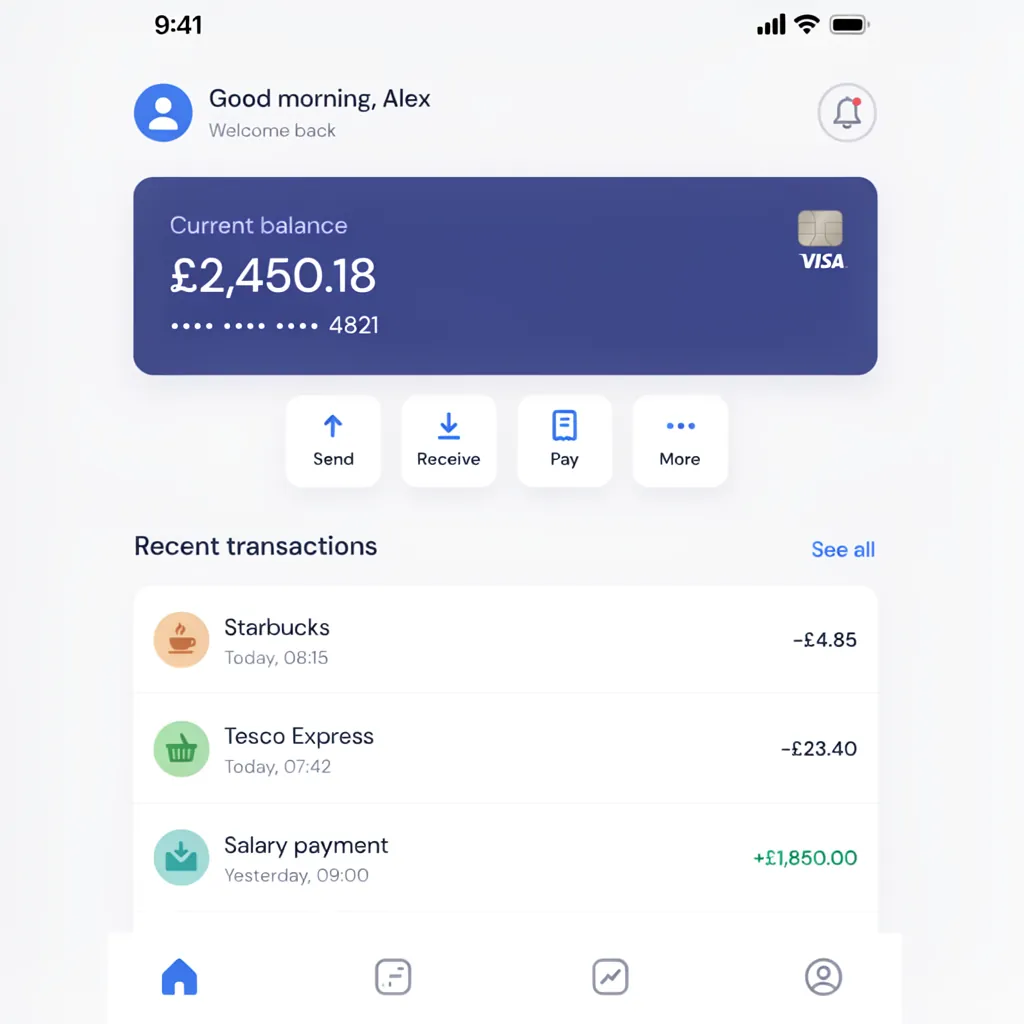
usable
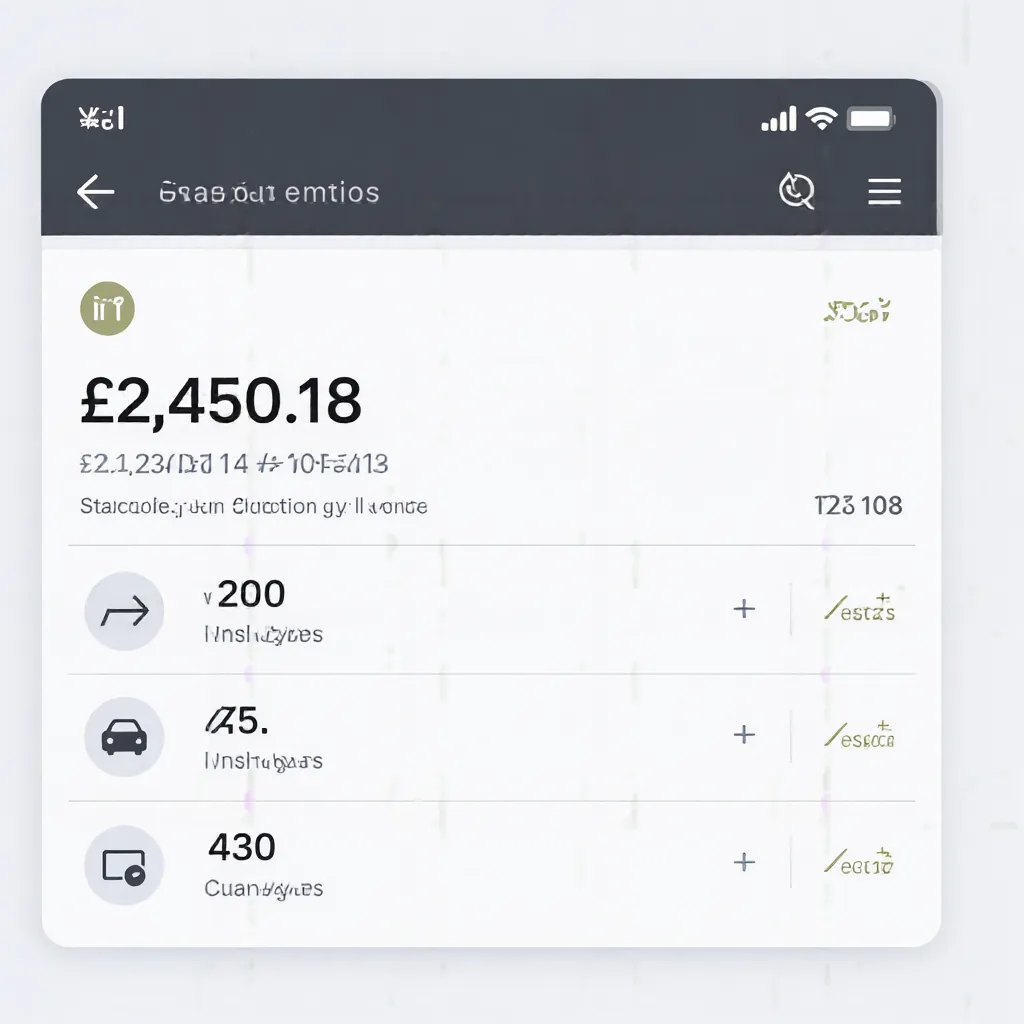
not usable
09. Logo

usable

usable

usable
![FLUX.2 [dev] 4-bit image for the logo prompt](/images/blog/local-image-gen/09-flux2-4bit.webp)
usable

usable

usable
10. Art style
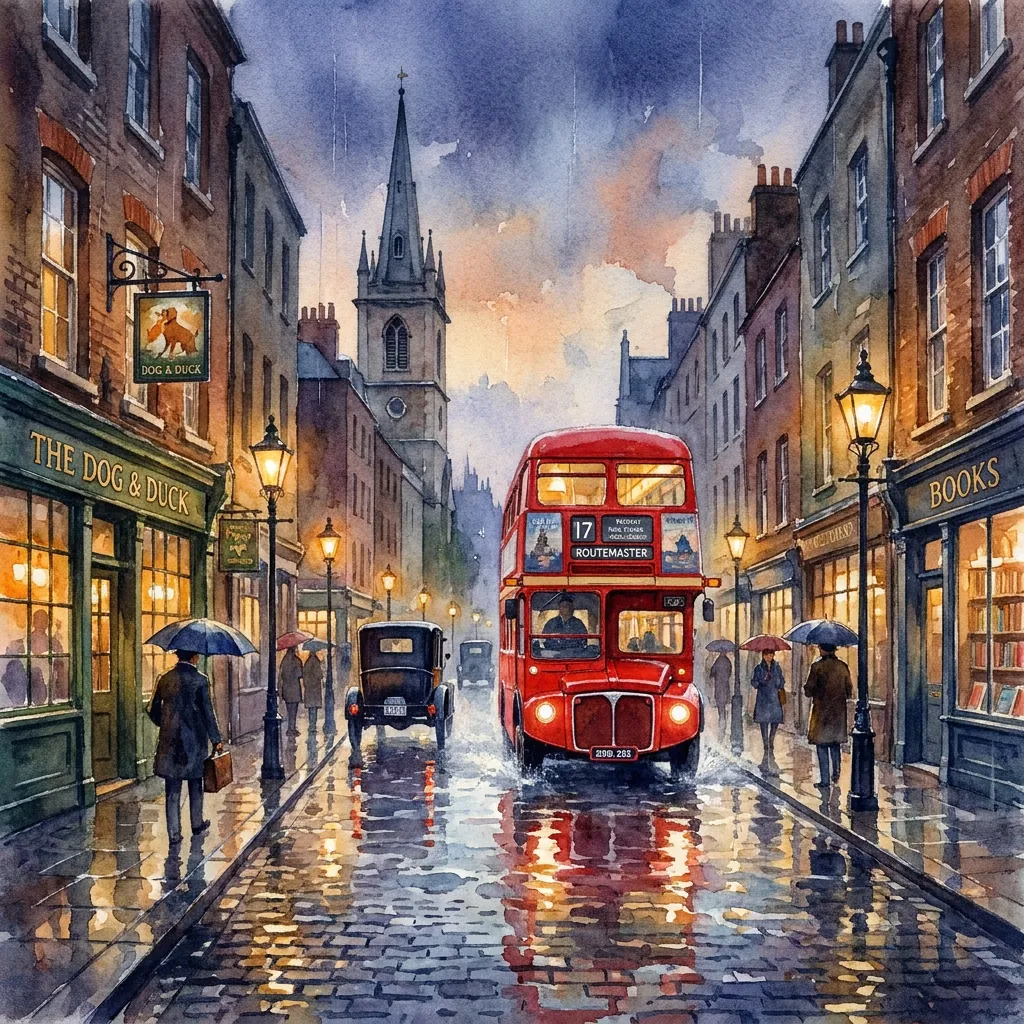
usable
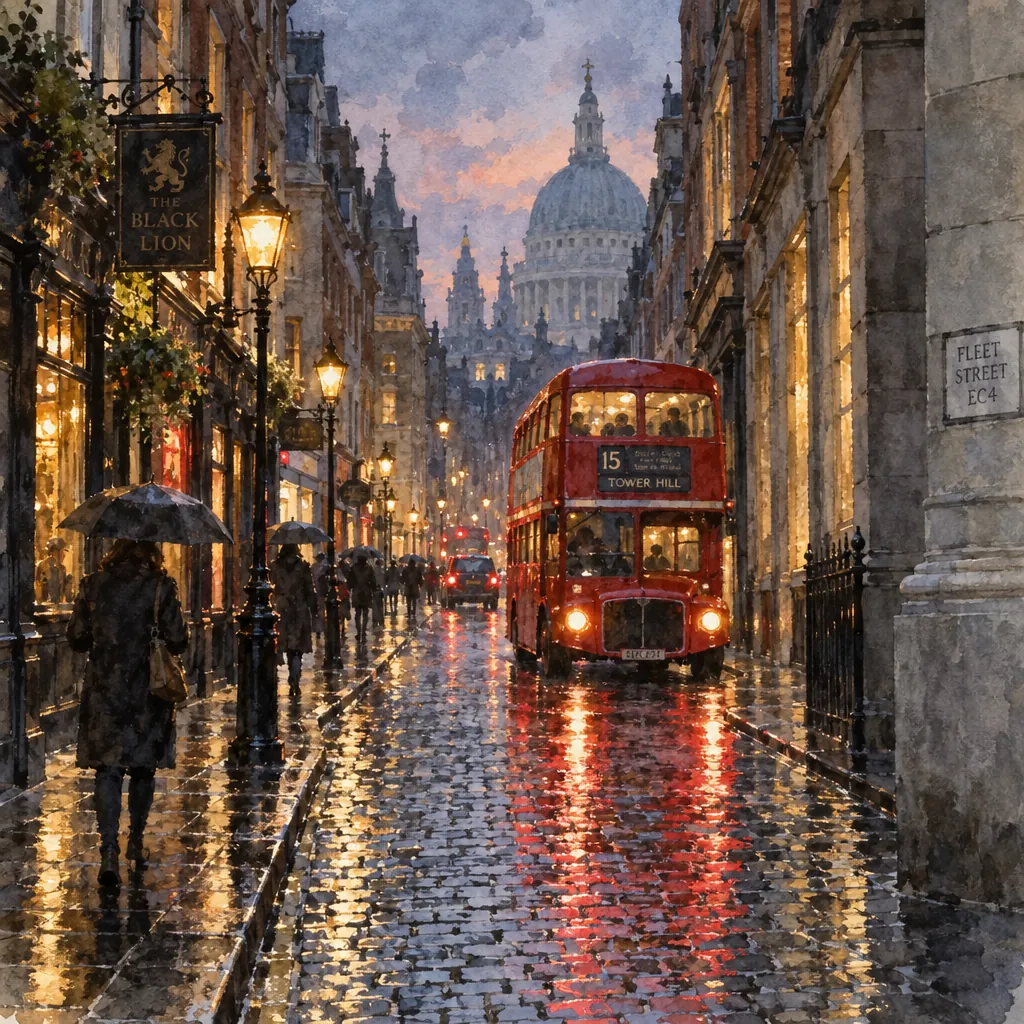
usable
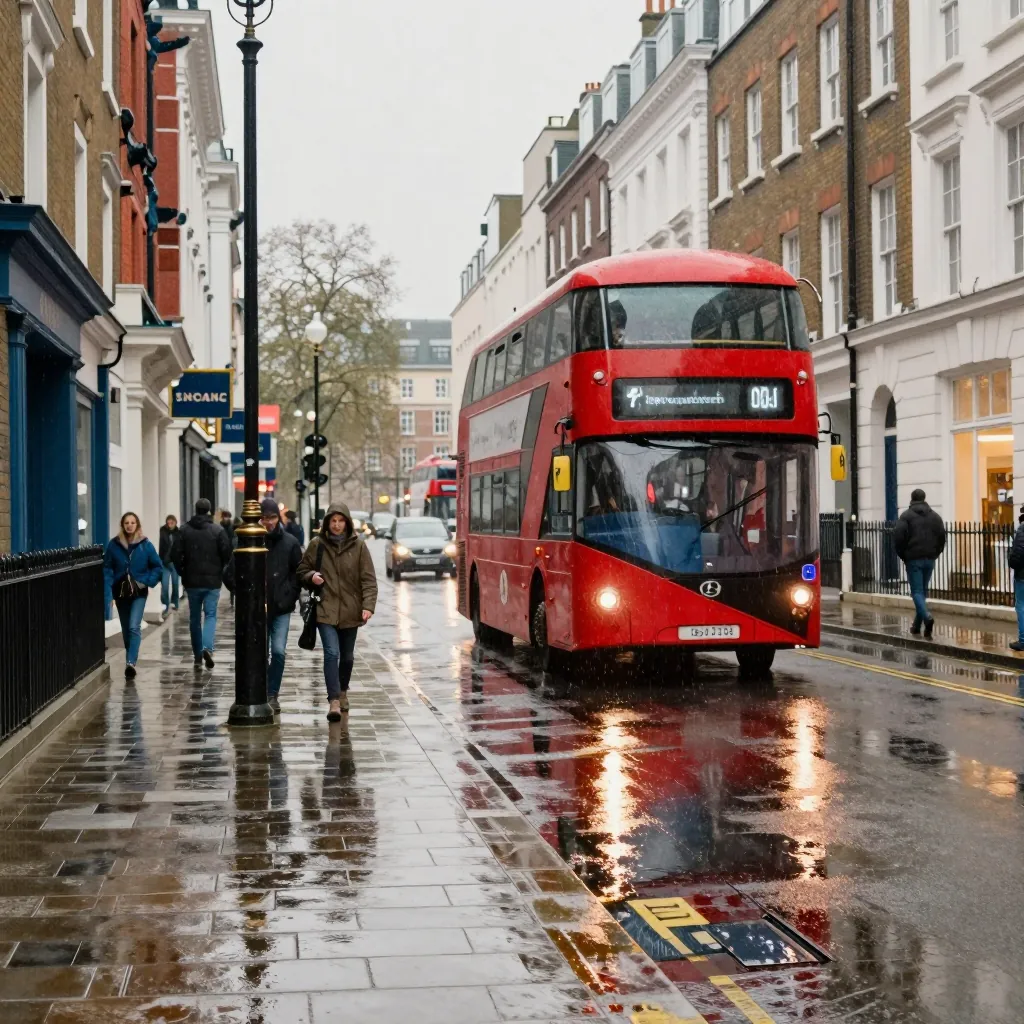
not usable
![FLUX.2 [dev] 4-bit image for the art style prompt](/images/blog/local-image-gen/10-flux2-4bit.webp)
usable
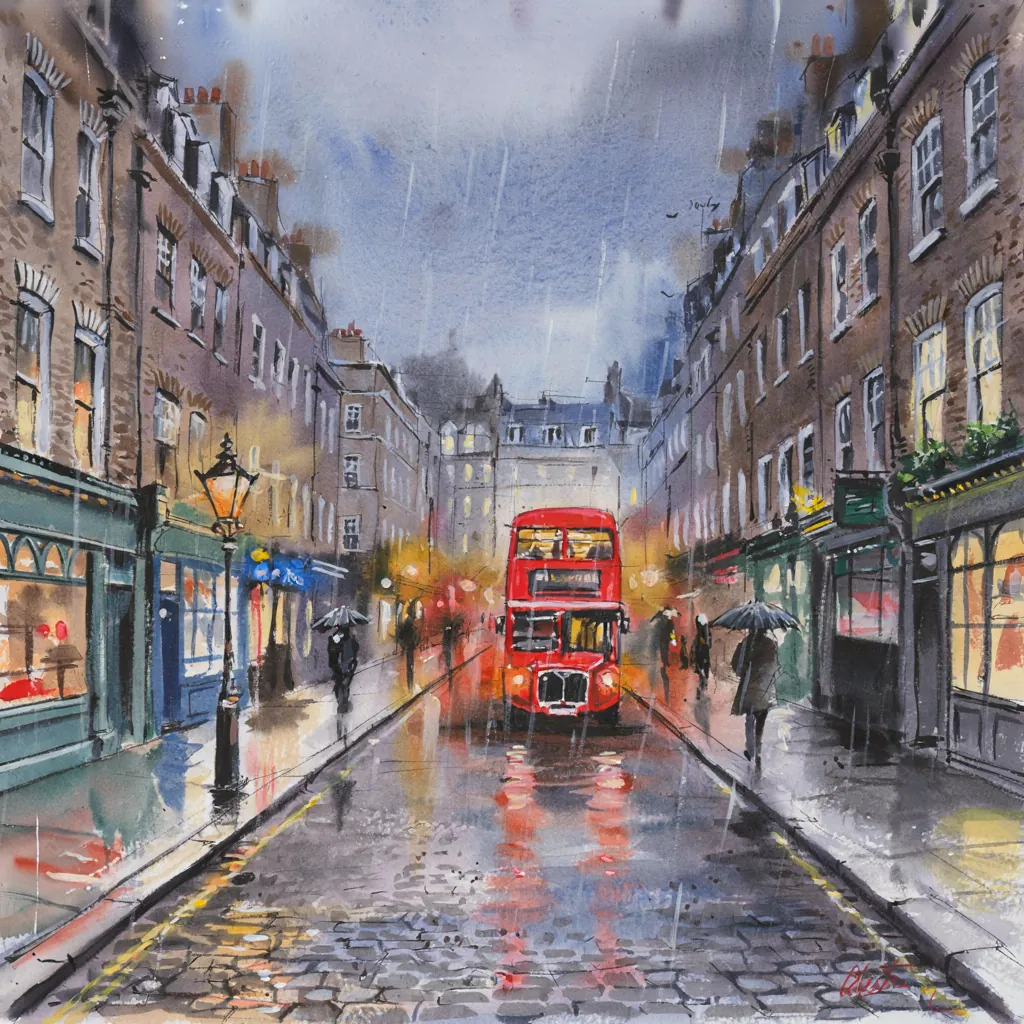
usable
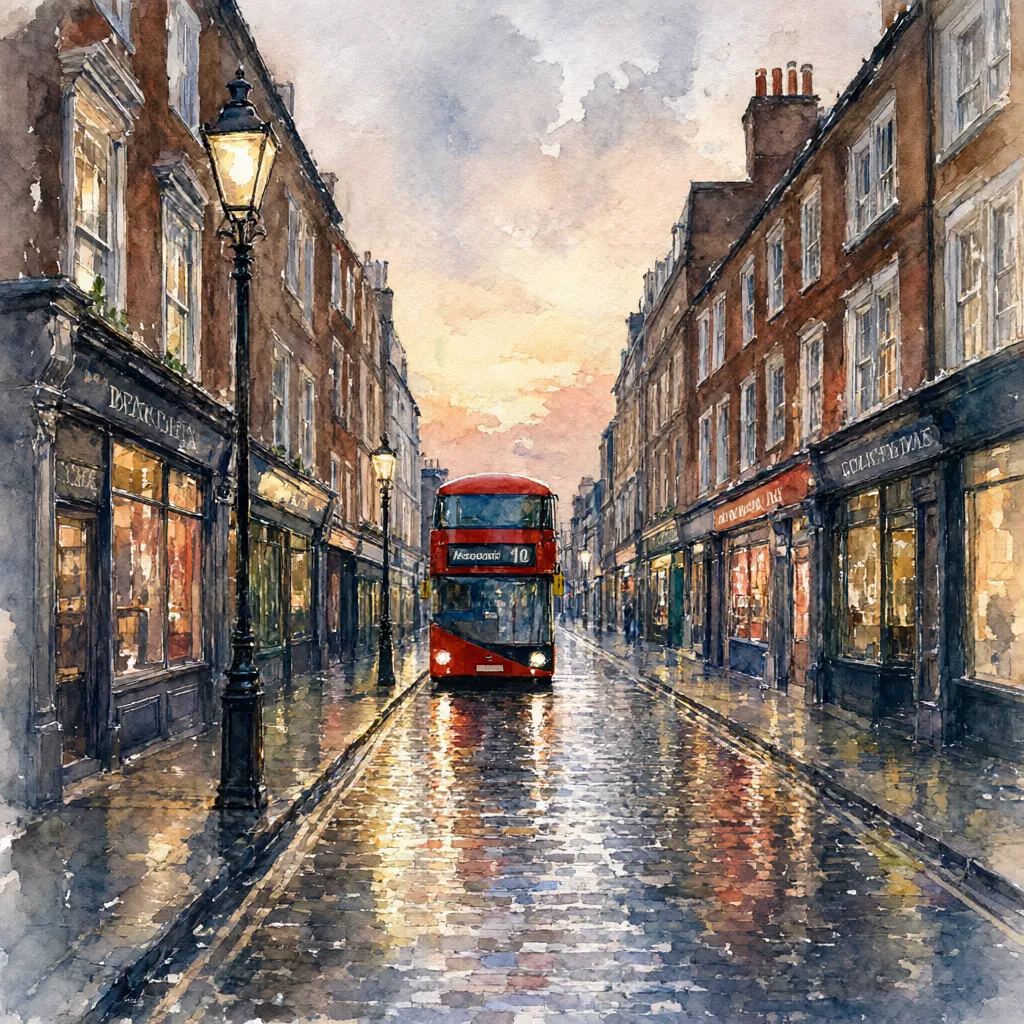
not usable
Text the model has to invent
What surprised me most was how much of the text came out usable. Every poster title and date, every logo and every banking balance I asked for is spelled correctly, on every model. The split is in text nobody specified. Asked for “a list of recent transactions”, the cloud models wrote Sainsbury’s, Netflix, Tesco and Pret A Manger. Z-Image invented plausible non-words such as “Baboice-lane”, priced in dollars on a sterling account, and the screen still worked as a mockup. FLUX.2 and Qwen produced garble.
Ideogram’s list was clean too, but Claude Opus wrote it, not Ideogram. More on that below.
Text in the background was worse on every model, the cloud ones included. Small signs, labels and lettering in the distance mostly came out as shapes that look like writing but are not English or any other language. GPT Image 2.5’s street scene came closest to getting it right, with St Paul’s at the end of the street, a Fleet Street EC4 sign, a Black Lion pub sign and a number 15 bus to Tower Hill, although even there the smaller lettering reads as nothing. Qwen’s and Z-Image’s bus destinations are unreadable, and Z-Image drew a photograph instead of a watercolour.
The remaining failures were people and objects. Qwen’s portrait has no eyes and a misshapen hand, Ideogram’s piano photo has an extra hand in the black lacquer above the keys, and Qwen’s graphics card is wrong around the fans. Qwen also wrote the English diagram prompt’s step descriptions in Chinese. Qwen coming last surprised me. I have been using Qwen3.8, the same lab’s language model, and it has been very usable, so I expected more from its image model. Counting slipped past the usability test entirely: FLUX.2 drew two apples instead of three, which looks fine unless you count.
What it takes to run them
FLUX.2 [dev] runs best at 4 bits. At 8 bits the image model (35.5GB) and its text encoder (18GB) exceed the card, so ComfyUI swaps weights during every image: 1.1 steps a second, 46 seconds an image. Black Forest Labs’ official NVFP4 build is 21.7GB, stays on the card while it draws and runs on the 5090’s 4-bit tensor cores: 2.05 steps a second, 26 seconds an image, near-identical pictures from the same seed and the same verdict on all ten. Even the 8-bit run, swapping weights between system RAM and the GPU on every image, was usable at 46 seconds. That matters for anyone with less than 32GB of VRAM: as long as the machine has enough system RAM to hold what does not fit on the card, these models still run, only slower. I did not test a smaller card.
![FLUX.2 [dev] 8-bit image for the product shot prompt](/images/blog/local-image-gen/01-flux2-8bit.webp)
![FLUX.2 [dev] 8-bit image for the diagram prompt](/images/blog/local-image-gen/05-flux2-8bit.webp)
![FLUX.2 [dev] 8-bit image for the logo prompt](/images/blog/local-image-gen/09-flux2-8bit.webp)
![FLUX.2 [dev] 8-bit image for the art style prompt](/images/blog/local-image-gen/10-flux2-8bit.webp)
Ideogram 4.0 needs a language model in front of it. It was trained on structured JSON captions rather than plain prompts, so a plain prompt goes through a “magic prompt” step first. In the setup Ideogram tested, that step sends the prompt to Claude Opus 4.8 through OpenRouter, together with Ideogram’s published instructions: about 4,000 words of rules for turning an idea into a caption. Opus has to pick a medium, commit to one value for every property, write out every piece of readable text word for word, and fill sparse scenes with believable detail. The instructions state the aim directly: “This JSON feeds a diffusion model. Leave nothing for the model to invent or choose.” They even ban the word “warm” from photo lighting, because it produces the golden look that gives an image away as AI.
What comes back is a JSON caption: a one-sentence summary, a description of the background, and a list of elements, each an object or a piece of text with its own description. My 19-word banking prompt became 5,693 characters with 37 elements, 21 of them text:
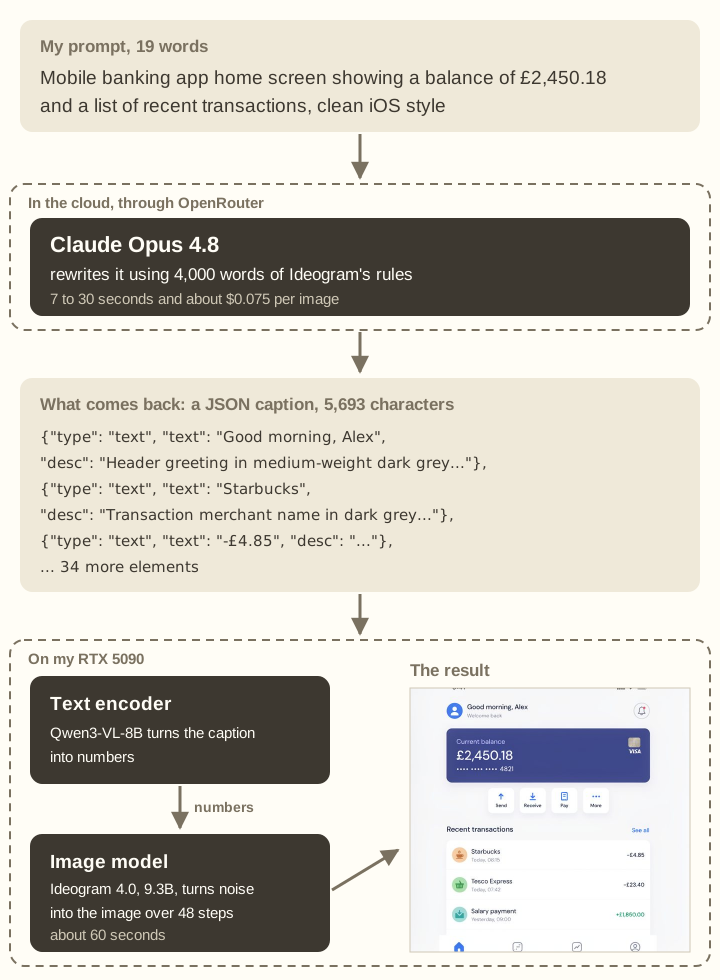
That caption, not my prompt, is what reaches the GPU, and from there Ideogram works like every other model in this test. A text encoder turns the words into numbers that capture what they mean; Ideogram’s is Qwen3-VL-8B, a language model used only to read, never to write. The image model then starts from random noise and refines it over 48 steps, steered by those numbers. FLUX.2, Z-Image and Qwen-Image-2.1 do the same with their own encoders. What Ideogram adds is the Opus step in front, so the clean transaction list in the results is Opus’s writing, drawn faithfully.
That language model could have been almost any model. Ideogram’s documentation says the image model was trained on captions in a fixed JSON format; it does not say which model wrote those captions, and nothing requires the rewriting model to match. Any model that can follow the published instructions and produce that format should work, including one running locally. I used Opus because it is the combination Ideogram says it tested with these instructions, so a weak result could not be blamed on the rewrite. The tool’s default is Ideogram’s own hosted rewriting service, which runs its production instructions rather than the published ones. Swapping in a local model is something I plan to try.
The rewrite adds 7 to 30 seconds and $0.06 to $0.12 per image before the GPU starts. On the GPU, Ideogram’s guidance runs two separate 9.3B networks, one with the prompt and one without, alongside the text encoder: about 28GB in all. It ran out of memory until I moved the text encoder to system RAM between prompts and cleared other processes off the card. Then it took 60 seconds an image.
Qwen-Image-2.1 always returns transparency. Parts of every ordinary image came out slightly see-through, down to an alpha of 181 out of 255, and the pipeline has no switch to turn it off.
Usable is not the same as preferred
Knowing what was usable did not tell me what I would pick, so I ran a second blind pass. Two images for the same prompt appeared side by side, and I chose the one I would rather use. The winner stayed on to face the next model: five picks per prompt, fifty in all, which took about five minutes. I left out the 8-bit FLUX.2, since it drew nearly the same pictures as the 4-bit build.
| Model | Prompts won | Pairs won |
|---|---|---|
| Nano Banana Pro (cloud) | 5: product shot, portrait, blog cover, counting, hands | 15 of 24 |
| GPT Image 2.5 Sunburst (cloud) | 4: diagram, app mockup, logo, art style | 13 of 21 |
| Ideogram 4.0 | 1: poster with text | 11 of 20 |
| FLUX.2 [dev] 4-bit | 0 | 2 of 14 |
| Z-Image Turbo | 0 | 1 of 11 |
| Qwen-Image-2.1 | 0 | 0 of 10 |
Nano Banana Pro took the photographs and GPT Image 2.5 the design work. Ideogram won only the poster, but it won more of its match-ups than any other local model.
Nano Banana Pro (cloud)
Nano Banana Pro (cloud)
Ideogram 4.0
Nano Banana Pro (cloud)
GPT Image 2.5 (cloud)
Nano Banana Pro (cloud)
Nano Banana Pro (cloud)
GPT Image 2.5 (cloud)
GPT Image 2.5 (cloud)
GPT Image 2.5 (cloud)
That answers what I would use. With something to compare against, the cloud model wins almost every time. Without a comparison, the local models are good enough for most of these jobs, and none of the data has to leave my machine.
Limits
One image per model per prompt, one seed and one judge, so a different seed could flip any single verdict. The preference pass kept the winner on each time, so a model that lost early had fewer chances to win. Nearly everything cleared the usability bar, which is why it took the preference pass to separate the top models. Every model ran at its defaults at 1024 x 1024; several do better at native 2K or with tuning, and I did not test Ideogram’s 4-bit CUDA default.
The cover was generated on the same RTX 5090 with Z-Image Turbo, the one local model here licensed for commercial use.